Random Word Generator
This random word generator gives you English words with full control. Filter by part of speech, length, or starting letters, get an instant definition on any word, and save the ones you like. Great for writing prompts, games, brainstorming and vocabulary.
About Random Word Generator
A random word generator is a tool that pulls words at random from a stored vocabulary list and shows them to you on demand. The ToolsPivot version pulls from a curated bank of common English words tagged by part of speech, so you can ask for nouns only, cap the word length, require a starting letter, and check a definition without leaving the page. It is built for writers stuck on a blank page, teachers assembling a spelling list, and anyone running a game night who needs words nobody at the table chose.
What the Random Word Generator Does
The tool picks words at random from a word bank that lives inside your browser, then filters that selection according to the controls you set. You choose a part of speech or a themed list, set how many words you want, and apply optional filters for length and letter patterns. Results appear as cards, and each card carries buttons to copy the word, save it, or look up its meaning.
Everything except the definition lookup happens locally. The word bank ships as a bundled file that loads with the page, so generating words involves no server request and no waiting. Clicking for a definition is the one action that reaches the internet, and only when you ask.
The default pool holds roughly 8,400 genuinely common English words with proper nouns stripped out. The uncommon words toggle adds roughly 5,000 rarer words per part of speech on top, which is the setting to reach for when common vocabulary feels too safe.
How ToolsPivot Random Word Generator Works
- The word bank loads with the page. A single bundled file holds every word, grouped by part of speech and split into common and extended pools. Nothing is fetched to produce words.
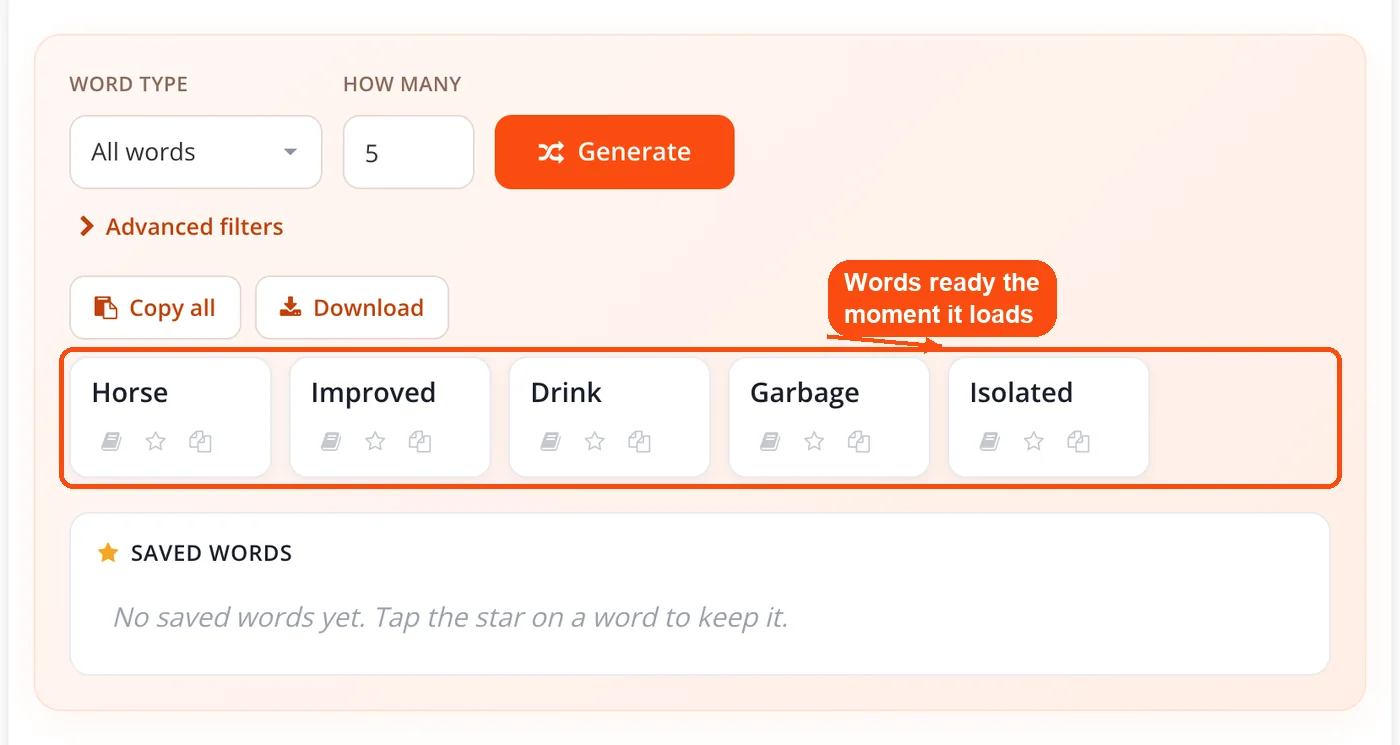
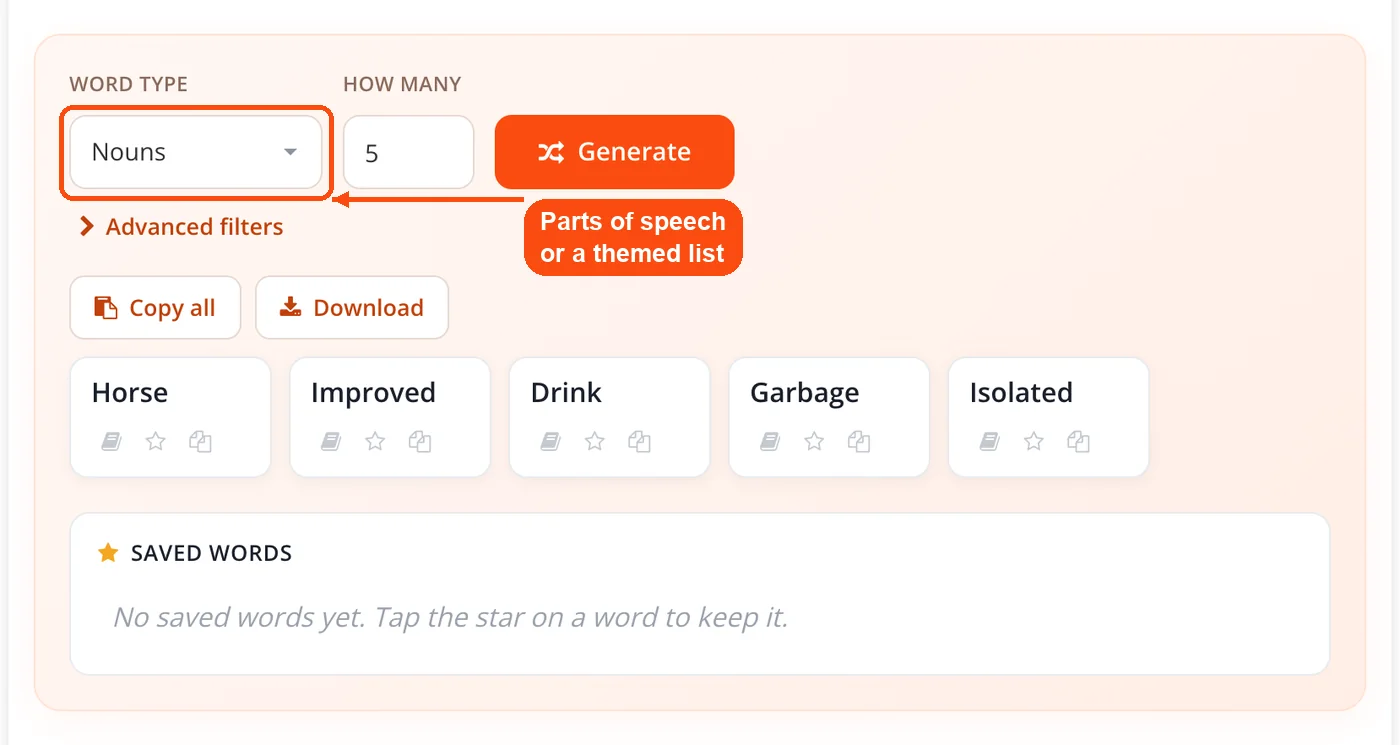
- Pick your pool. Select all words, nouns, verbs, adjectives, or adverbs, or switch to a themed list such as animals, colors, fruits, or feelings.
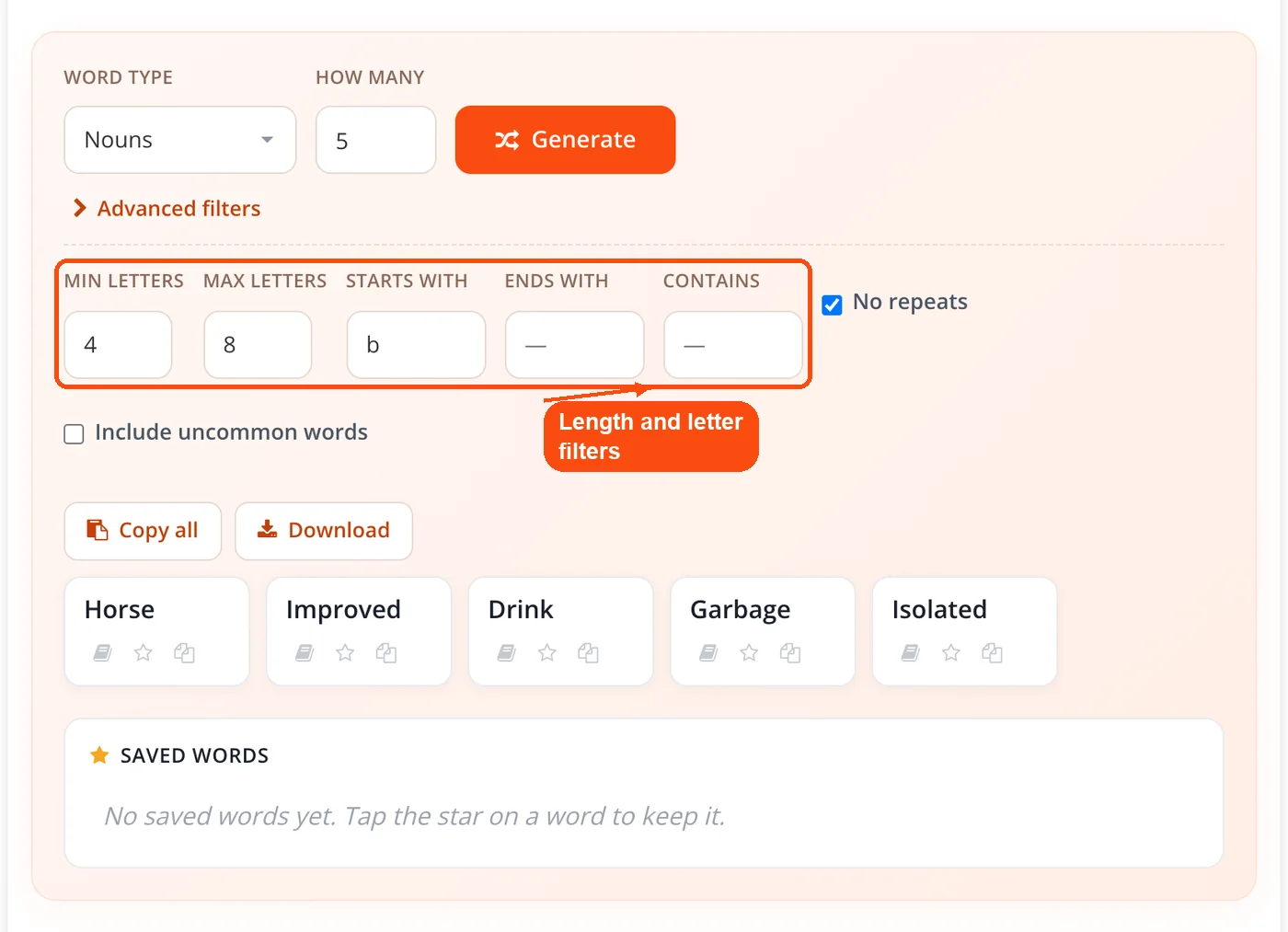
- Set your filters. Apply minimum and maximum length, a starting letter, an ending letter, or a string the word must contain. The pool narrows before any selection happens.
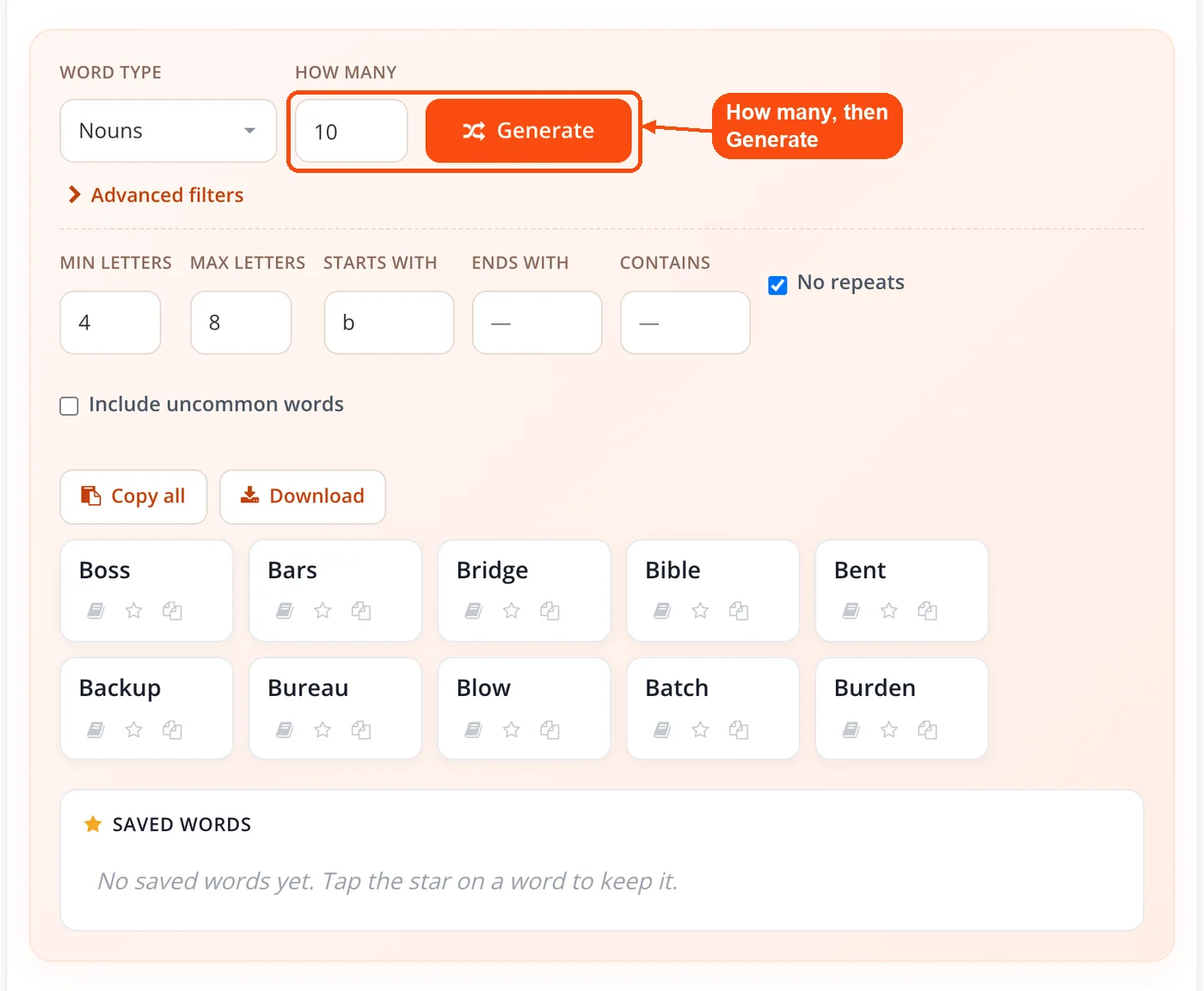
- Choose how many and generate. Enter a count and click generate. The no repeats option keeps every word in the batch unique.
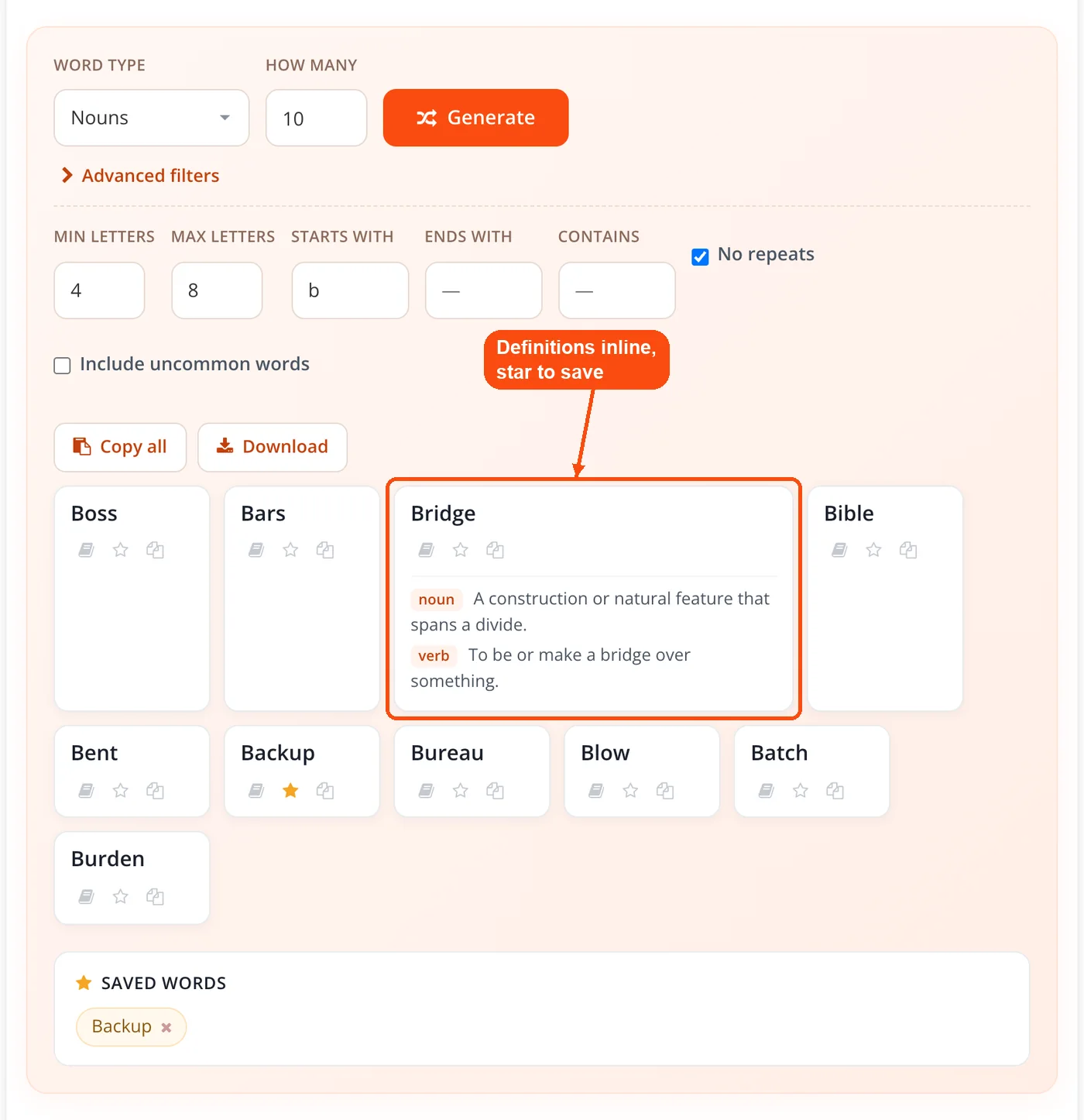
- Work with the results. Copy a single word, save it to your favorites, or click it to pull the definition and part of speech inline.
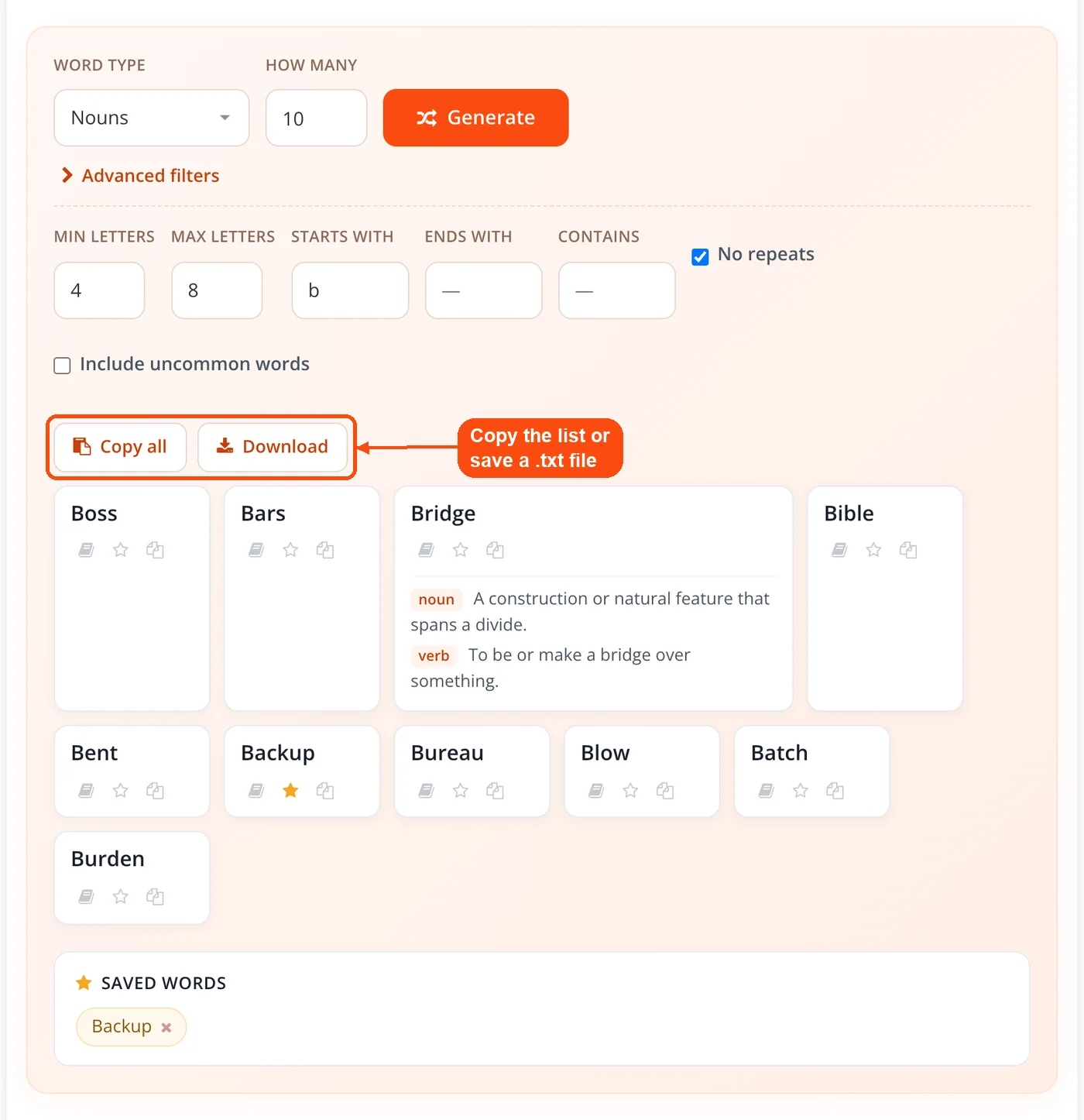
- Export when you are done. Copy the whole list to your clipboard or download it as a file for a lesson plan, a game sheet, or a writing session.
Filters and Controls Explained
Each filter narrows the pool before selection, which means the randomness applies only to words that already match your criteria. Combining several filters at once gives you tight control, though very tight combinations can shrink the pool to almost nothing.
- Part of speech: Four grammar categories rather than the usual three. Adverbs are included, which matters for grammar drills and Mad Libs style games that call for them specifically.
- Themed lists: Animals, colors, fruits, and feelings sit in the same panel as the main generator rather than on separate pages, so switching takes one click.
- Minimum and maximum length: Set a letter range to match a puzzle grid, a spelling level, or a layout constraint. Set both to 5 and it works as a 5 letter random word generator, returning only 5-letter words.
- Starts with and ends with: Lock the first or last letter for alphabet exercises, alliteration prompts, or games that demand a specific opening letter.
- Contains: Require a letter string anywhere in the word. This one is less common among free generators and helps with phonics work and crossword filling.
- No repeats: Guarantee every word in a batch is distinct, which matters when you are printing a quiz and cannot afford a duplicate.
- Include uncommon words: Layer the extended pool on top of the common one when the default feels too familiar.
- Save and export: Keep favorites as you go, then copy or download the collected list rather than the raw batch.
Where the Word Bank Comes From
The word bank is assembled from openly licensed data sets rather than an undisclosed private list. Common words come from the google-10000-english project under an MIT license, ordered by frequency. Part of speech tags come from the public domain Moby Part-of-Speech data, and the themed lists come from the dariusk/corpora collection under CC0.
Names, countries, states, and demonyms are subtracted from the default pool during the build. That is the single biggest quality difference you will notice, because the usual complaint about free word generators is that they return place names, surnames, and half-words nobody can use in a sentence.
Each random word generator definition comes from the keyless Free Dictionary API at dictionaryapi.dev, requested only when you click a word and cached for the rest of your session. ToolsPivot publishes these sources on purpose, so you can check what feeds the tool instead of trusting a vague claim about a large vocabulary database.
Key Benefits
- Usable words by default: Stripping proper nouns means the first batch is more likely to contain words you can actually build a sentence or a drawing around.
- Real control over output: Type, length, letter position, and rarity all adjust independently, so you can shape the batch instead of regenerating until something usable appears.
- Meaning without a second tab: Clicking a word shows its definition and part of speech in place, which keeps a vocabulary session moving.
- Fast repeat generation: Because the bank sits in the browser, a second batch appears as fast as the first with no network round trip.
- Nothing to sign up for: Every control works the moment the page loads, with no account, email, or usage cap.
- Curation you can keep: Saved favorites survive across batches, so a long session produces one clean list rather than a scroll of discarded results.
- Interface in 18 languages: The controls and labels are localized, which helps in classrooms where the teaching language is not English even though the words themselves are.
When to Use a Random Word Generator
Random words help most when the problem is not a lack of skill but a lack of a starting point. A constraint you did not choose forces connections your own preferences would never produce, which is why the technique shows up in writing exercises, brainstorms, and party games alike.
- Blank page paralysis: One unexpected noun gives your brain something concrete to push against instead of an empty document.
- Fair game setup: In Pictionary or charades, nobody can pick words that suit their own strengths if the generator picks them.
- Classroom prep: A filtered batch of 20 words becomes a spelling test or a vocabulary worksheet in under a minute.
- Naming exercises: Random roots widen the pool of candidate names well beyond the obvious ones, especially when paired with the word combiner to mash pairs together.
- Vocabulary expansion: The uncommon toggle plus inline definitions turns idle clicking into a low effort study loop.
- Design and test data: Realistic English words fill mockups more convincingly than placeholder Latin when the layout needs to look plausible.
It is a poor fit when you need a specific meaning, a guaranteed rhyme, or cryptographic randomness. A thesaurus, a rhyming dictionary, or a purpose built generator serves those cases better.
How People Actually Use It
The Five Word Paragraph
Generate five words with the type set to all, then write one paragraph using every word in the order it appeared. The forced order is what makes it work, because it removes the option of quietly dropping the awkward word. Set the count to 3 instead and it becomes a 3 random word generator for the shorter three-word story prompt. Writers use this as a warm up the way musicians use scales, and the readability checker afterwards shows how much the constraint shifted your usual sentence rhythm.
Spelling and Vocabulary Lists
Set a part of speech, cap the maximum length to match the grade level, turn on no repeats, and generate 20 words. Download the list and it is a spelling test. Teachers working with English learners often pair it with the text to speech converter so students hear each word pronounced, and the small text generator is handy for making compact flashcard labels.
Game Night Words for Pictionary and Charades
Set the type to nouns, cap the length at seven or eight letters, and generate 40 words before anyone sits down. Nouns are easier to draw and act out than abstract verbs, and a printed deck keeps the game moving without someone reaching for a phone mid round. The same setup doubles as a random word generator for song games and songwriting prompts, where each word has to land in a sung line.
Brand and Project Naming
Generate 50 words across a few batches, save the ones with the right sound, then combine them in pairs. Check what is actually registrable with the domain availability checker or explore variations through the domain name generator. Most names die at the availability stage, so generating far more candidates than you need is the point.
Content Angle Generation
Writers covering the same niche week after week can generate a word, force a connection to the topic, and see what angle falls out. It fails more often than it works, but the failures cost seconds. Feeding survivors into the questions explorer tool shows whether anyone is searching for that angle.
How It Compares to Other Free Random Word Generators
Several free generators are strong, and it is worth being specific about where each one wins. RandomWordGenerator.com offers syllable count filtering and an extended list running to hundreds of thousands of words, which beats this tool on raw size and on syllable control. WebUtility.io exposes eight grammatical categories including pronouns and prepositions, drawn from a dictionary of around 170,000 entries.
Inline definitions and part of speech filters are no longer rare either. What separates the ToolsPivot build is a different set of trade offs rather than a longer feature list.
- Curation over volume: A smaller bank of vetted common words with proper nouns removed, instead of a dictionary dump that returns obscure entries.
- Published sourcing: The data sets and licences behind the word bank are named openly, which almost no competing tool does.
- Themed lists in the same panel: Animals, colors, fruits, and feelings without navigating to a separate page.
- A contains filter: Match a letter string anywhere in the word, not just at the start or end.
- Localized interface: Controls available in 18 languages, where most rivals ship English only.
If you need the rarest possible words for a spelling bee or a Scrabble drill, a dictionary dump generator is the better choice. If you want words people recognize, with the junk already filtered out, this one is built for that.
Random Words Compared With Lorem Ipsum
Random word generators and Lorem Ipsum generators solve unrelated problems, and mixing them up wastes time. Lorem Ipsum produces pseudo Latin filler whose only job is to occupy space so a designer can judge layout without reading anything. It is meant to be ignored.
A random word generator produces real English words carrying real meaning, intended to be read and reacted to. If your text needs to be invisible, use Lorem Ipsum. If it needs to spark something, use real words. Either way, the word counter tells you whether the block fits the space.
Limitations Worth Knowing
No tool suits every job, and ToolsPivot would rather name the gaps than let you find them mid session.
- The bank is deliberately small. Roughly 8,400 common words plus the extended pool is far short of the 170,000 to 500,000 entry lists some rivals use. That is the trade for quality, but it makes this a poor pick for competitive spelling or obscure word hunting.
- The words are English only. The interface is localized into 18 languages, the vocabulary is not. There is no Spanish or Hindi word pool.
- Definitions need a connection. Generation works offline once the page has loaded, but definition lookups call an external service. If that service is down or the word is missing from it, you get a no definition found message.
- Part of speech tags show one sense. English words routinely work as several parts of speech. A word tagged as a noun may serve just as well as a verb, and the tag reflects its primary use rather than all of them.
- No syllable filter. Length filtering is by letters only, so poetry work that depends on syllable counts needs manual checking.
- Not for passwords. The selection is not cryptographically secure and the pool is public and small, so a passphrase built here is weaker than it looks. Use the password generator for anything that protects an account.
- Narrow filters can empty the pool. Asking for six letter adverbs starting with z that contain qu will return nothing. Loosen one filter at a time.
Frequently Asked Questions
Yes, it is free with no account and no usage cap. Every filter, the definition lookup, saved favorites, and export all work from the moment the page loads.
Yes, the tool covers all four parts of speech as separate options, so it works as a random noun, verb or adjective generator. You can also switch to a themed list of animals, colors, fruits, or feelings instead of a grammar category.
The default pool contains roughly 8,400 common English words. Enabling the uncommon words toggle adds roughly 5,000 rarer words per part of speech on top of that.
Common words come from the google-10000-english data set under an MIT license, with part of speech tags from the public domain Moby Part-of-Speech data. Themed lists come from the dariusk/corpora project under CC0.
Proper nouns are removed from the default word bank on purpose. Names, countries, states, and demonyms are subtracted during the build so the results stay usable in sentences and games.
Word generation runs entirely in your browser with no server request. The one exception is the definition lookup, which queries an external dictionary service only when you click a word.
Yes, you can set a minimum and maximum letter count, require a starting letter, require an ending letter, or require a string anywhere in the word. Filters apply before the random selection happens.
It adds the extended pool of rarer words on top of the common pool. Leave it off for words most people recognize, and turn it on when the default output feels too predictable.
Turn on the no repeats option and every word in a batch will be unique. This matters most when you are generating a printed quiz or a game deck.
Definitions come from an external dictionary service, and some entries are missing from it. When that happens the tool shows a no definition found message rather than guessing at a meaning.
Yes. To use it as a random word generator for Pictionary or as a charades random word generator, set the type to nouns and cap the length at around eight letters for the best results. Concrete nouns are far easier to draw and act out than verbs or abstract terms.
No, this is not the right tool for that. The selection is not cryptographically secure and the word pool is public and small, so use a dedicated password tool for anything protecting an account.
Yes, the interface adapts to phones and tablets, and every control including saving and export works on a small screen. The word bank loads once, so repeat generation stays fast on mobile data.
Yes, you can copy the full random word generator list to your clipboard or download it as a plain text file. Cleaning up a list assembled over several sessions is easy with the duplicate line remover, and the text case converter handles capitalization before you print.
Click it to see the definition and part of speech without leaving the page. Writing one sentence with the new word fixes it in memory better than rereading the definition, and the grammar checker will flag it if you have used it wrongly.


