Keyword Density Checker
This free keyword density checker analyzes any text or web page. See how often each word and phrase appears, spot over-optimization, and check your topical balance.
Is there an ideal keyword density?
No. Google's John Mueller has said for years that keyword density is not a ranking factor, and studies show no link between density and rankings. Forcing a target percentage leads to keyword stuffing, which can hurt you. Use this tool the smart way: to catch over-optimization, compare phrases, and check that your content covers a topic naturally. Write for people first.
| Keyword / phrase | Count | Density | Signal | In title / H1 / meta |
|---|
About Keyword Density Checker
A keyword density checker measures how often each word and phrase appears in a piece of content as a percentage of the total word count. It answers a narrow question fast: which terms dominate this page, and are any of them repeated so often that the writing looks manipulated? The ToolsPivot Keyword Density Checker tool analyzes pasted text or any live URL, builds two to five-word phrase tables, filters out common filler, and flags possible over-optimization with a plain color signal instead of a made-up target score.
The honest version of this tool matters more than the flashy one. Keyword density is not a number you should chase, and any tool that tells you to hit a magic percentage is steering you toward keyword stuffing. This checker treats density as a diagnostic for balance and repetition, not a scoreboard, which is a more useful and more accurate way to read your own content.
Why There Is No Ideal Keyword Density
There is no ideal keyword density, and Google has said so for over a decade. John Mueller, a Search Advocate at Google, has repeatedly answered "no" when asked whether keyword density is a ranking factor. Independent testing agrees: a 2026 study that analyzed 1,536 search results found no consistent correlation between density and position. The 1 to 2 percent figure that circulates in old SEO guides is a practitioner convention, a rough guardrail against overuse, not a signal the algorithm rewards.
What actually moves rankings is topical coverage. A page about wireless printers does not need that exact phrase forty times. It needs to discuss Wi-Fi setup, print servers, specific brands, and the questions buyers ask, so that modern language models like BERT and MUM recognize genuine depth. That is why forcing a target percentage backfires. You end up with awkward, repetitive copy that reads worse for humans and risks tripping spam filters, which can demote or deindex a page. Density is a floor-and-ceiling check: enough signal to be understood, not so much that the writing turns to noise. If you want to expand real topical coverage instead of repeating one phrase, feed your subject into the questions explorer tool and answer what people actually ask.
The Natural, Watch, and High Signal
Every phrase in your results gets one of three bands, and none of them is a goal to hit. The band is a sanity check that tells you whether a term is sitting in a comfortable range or clustering in a way worth a second look. This replaces the misleading "your score versus ideal" gauge that other checkers still show.
- Natural: The term appears at a rate that reads normally. Below roughly 2 percent for a single word and 1.2 percent for a phrase. No action needed.
- Watch: Roughly 2 to 3 percent. Not a problem on its own, but worth confirming the term does not clump in one section.
- High: Over about 3 percent. Possibly over-optimized. Read the passage aloud and check that it still sounds like something a person would write.
The point of the bands is to catch the phrase you did not notice. Often the culprit is not your target keyword at all but a filler phrase that quietly climbed to the top of the two-word table and now competes with your real topic for the crawler's attention.
How ToolsPivot Keyword Density Checker Works
- Choose your input. Paste or type text, which is the default and most private mode, or enter a published URL to analyze a live page.
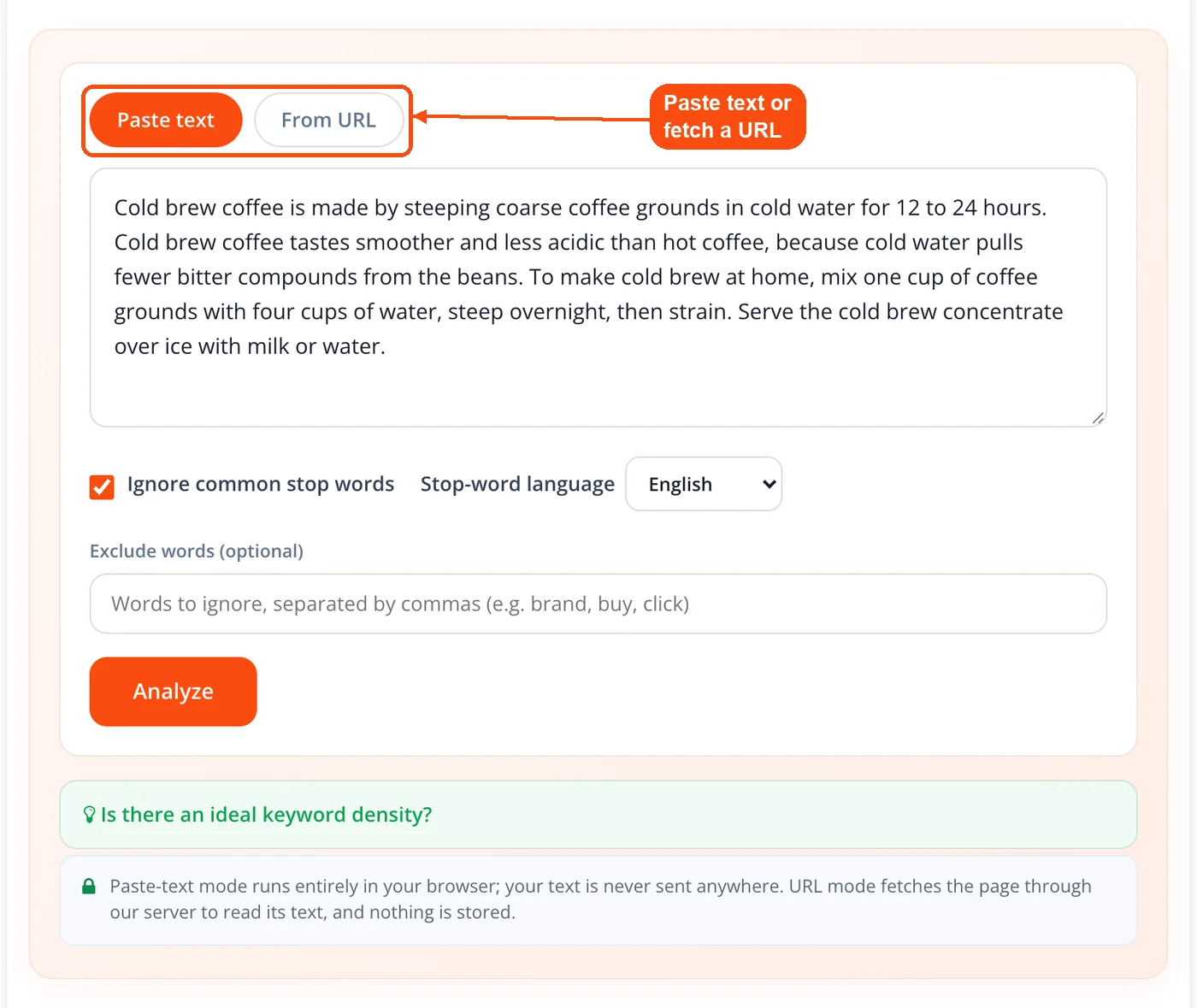
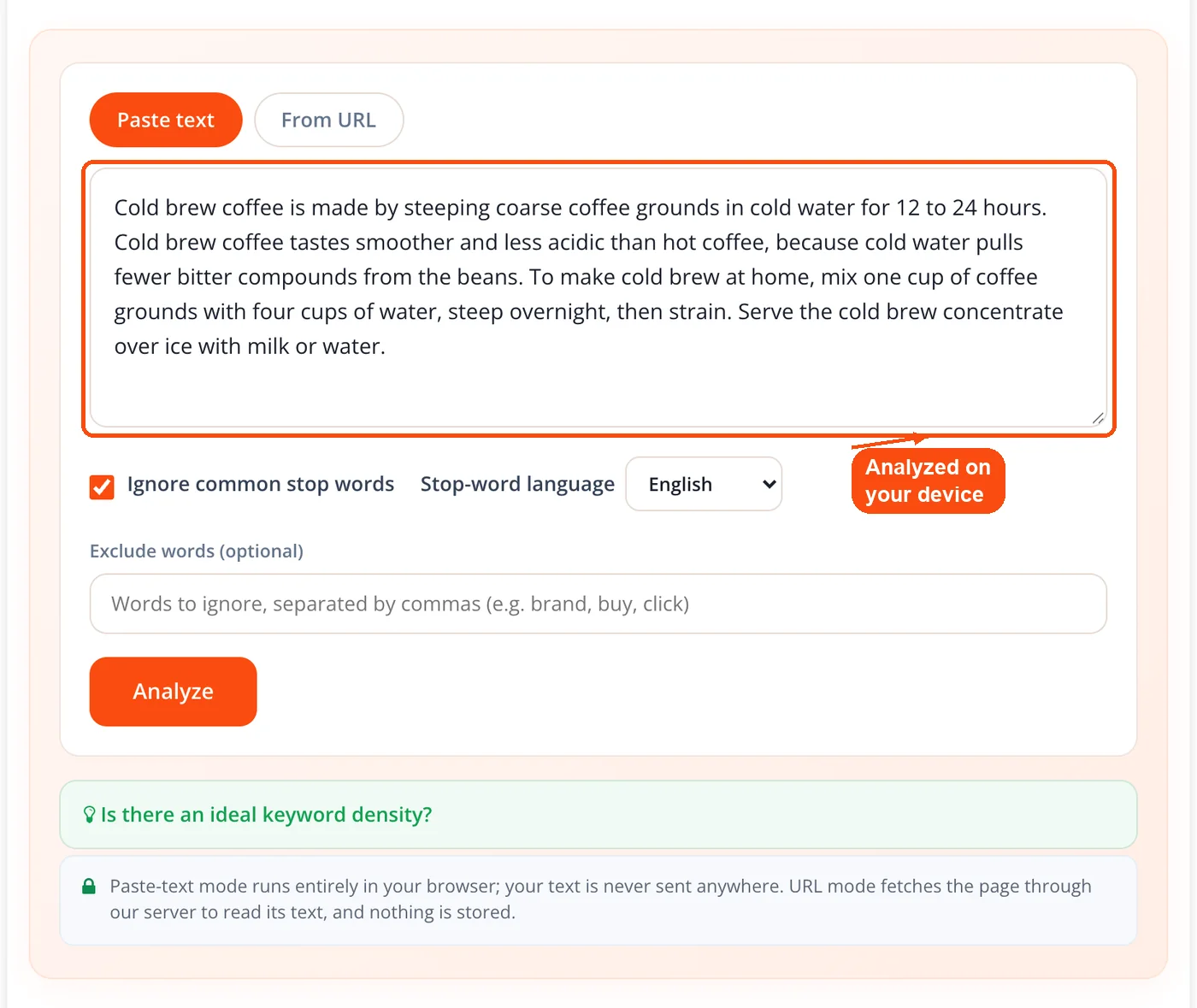
- Text runs in your browser. Pasted text is analyzed on your own device. Nothing is uploaded, so drafts and client work never leave your machine.
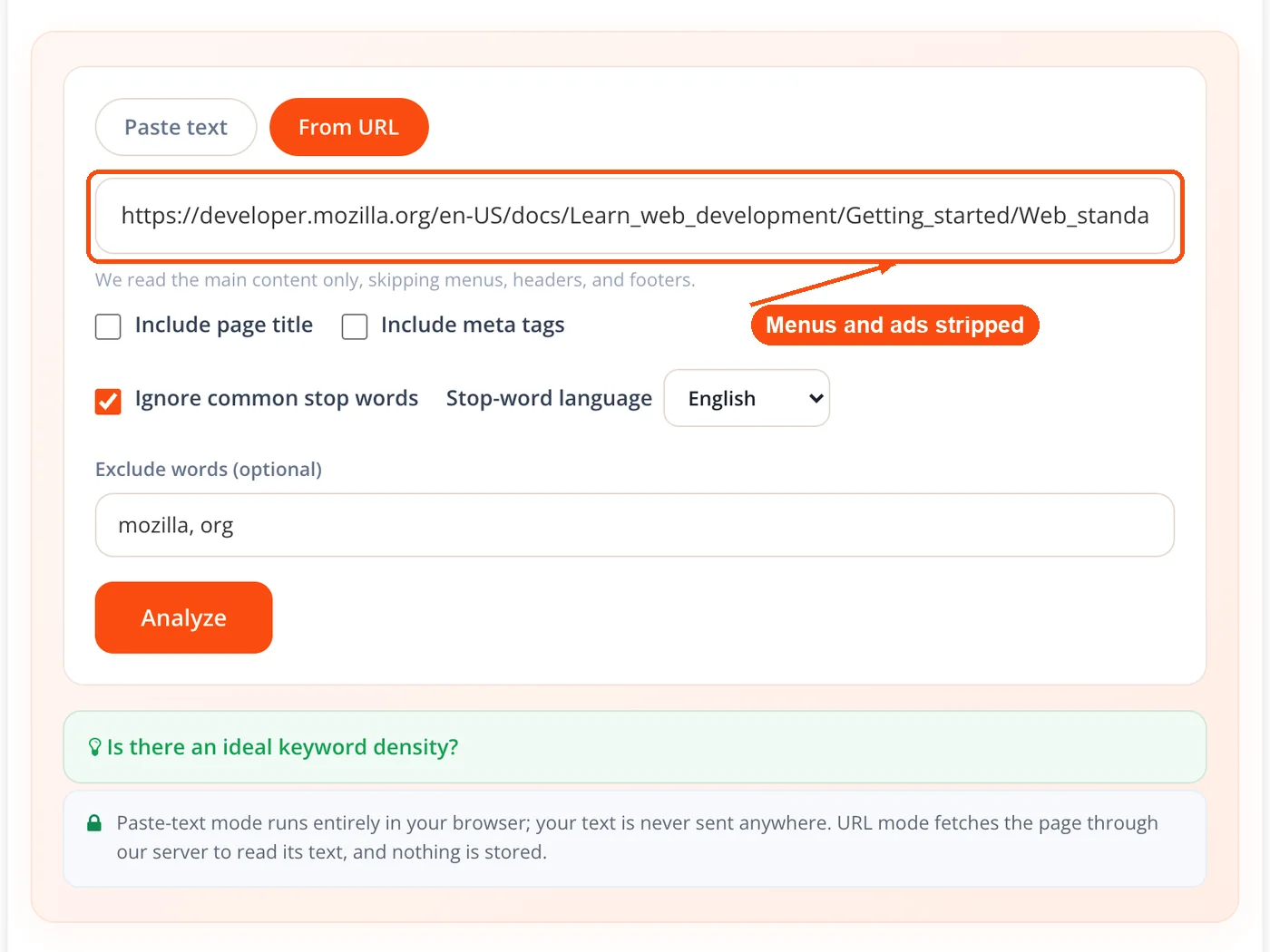
- URLs are fetched and cleaned. For a URL, the server retrieves the page, strips scripts, styles, navigation, headers, footers, sidebars, forms, comment blocks, cookie banners, and ads, then hands the clean body text back for analysis.
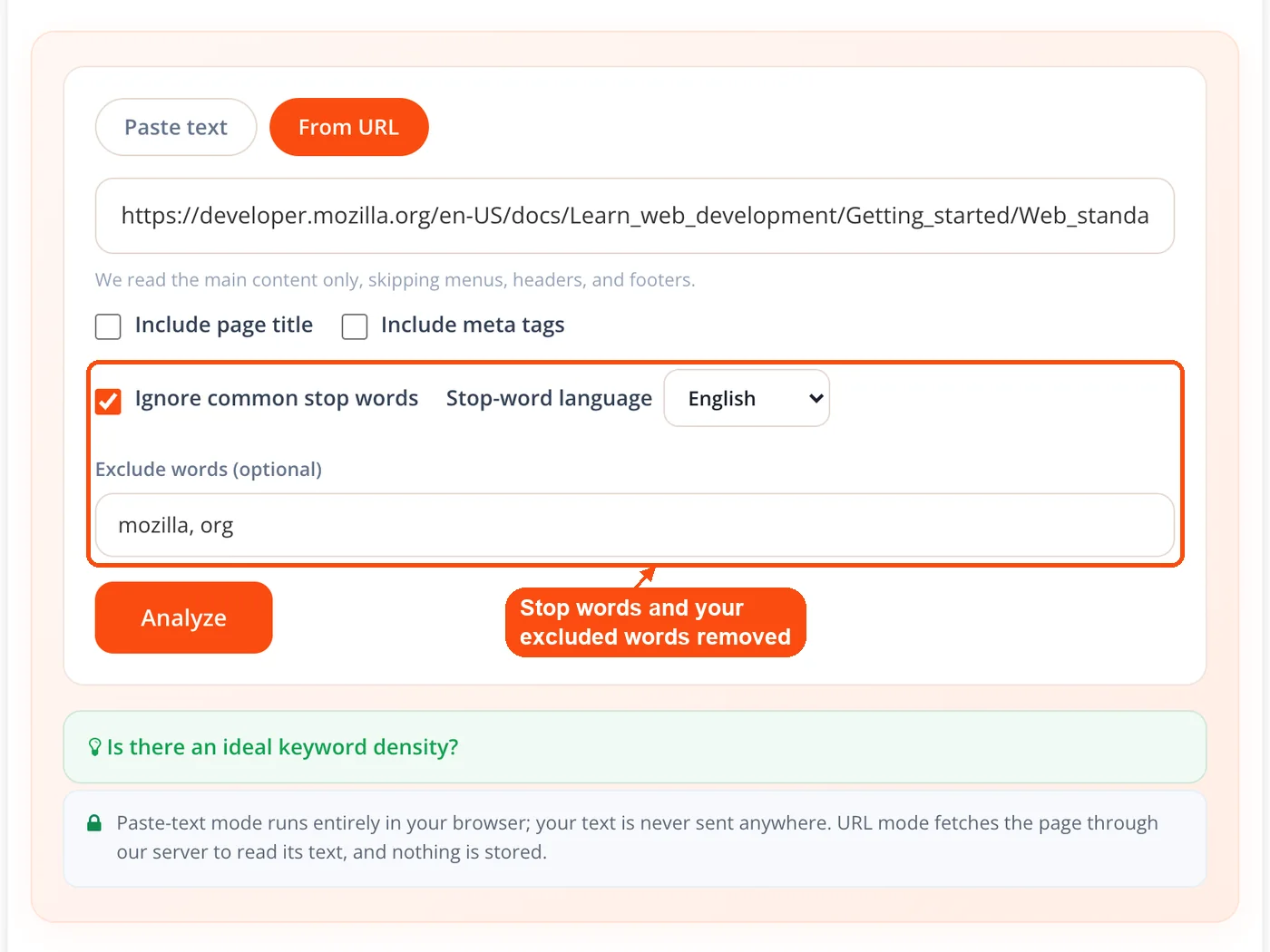
- The text is counted and filtered. Words are lowercased and split, pure numbers and symbols are dropped, common stop words are removed by default, and any words you add to the exclude field are removed too.
- Phrase tables are built. The tool counts two, three, four, and five-word phrases, shows the count and density for each, trims phrases whose edges are stop words, and applies the Natural, Watch, or High band.
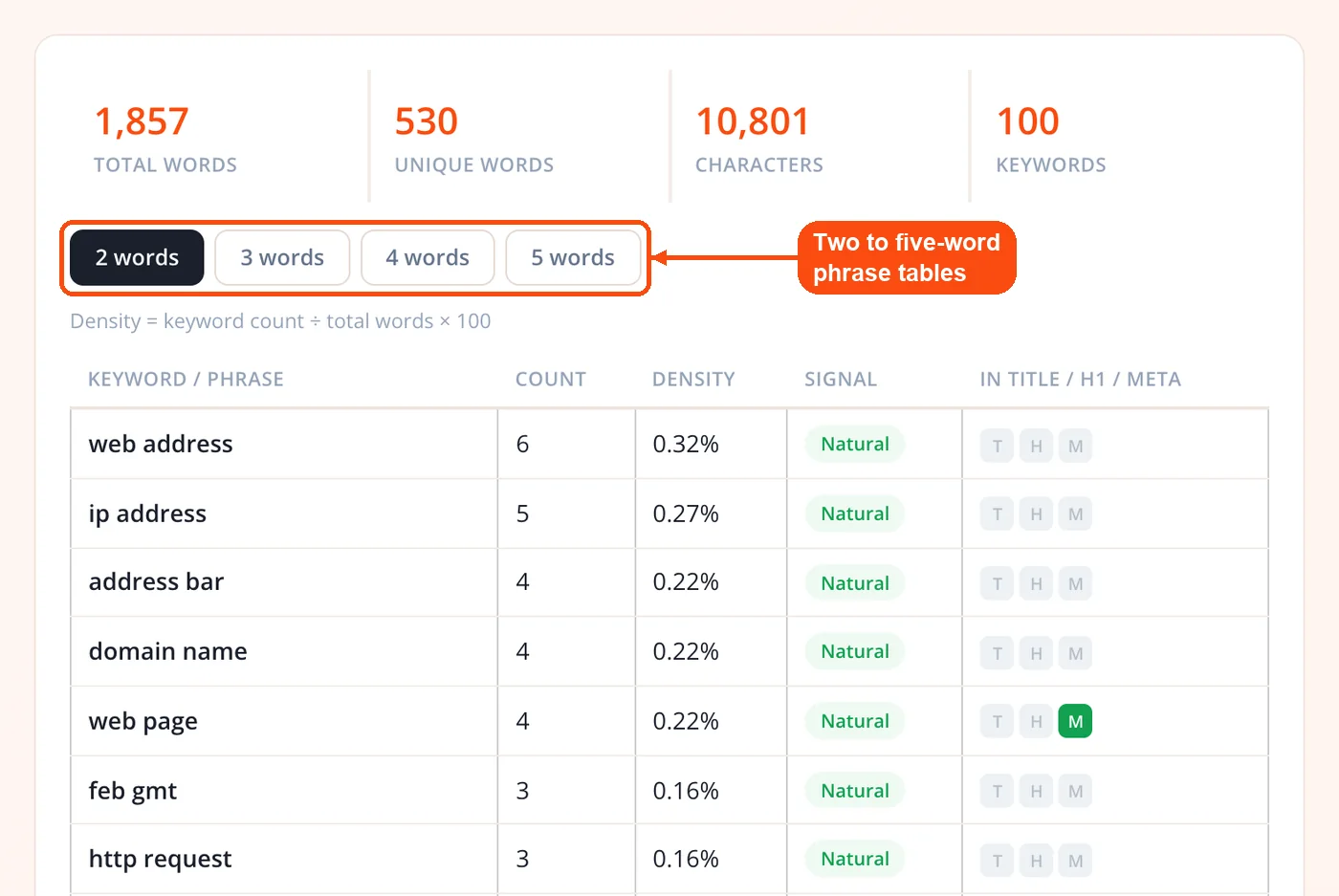
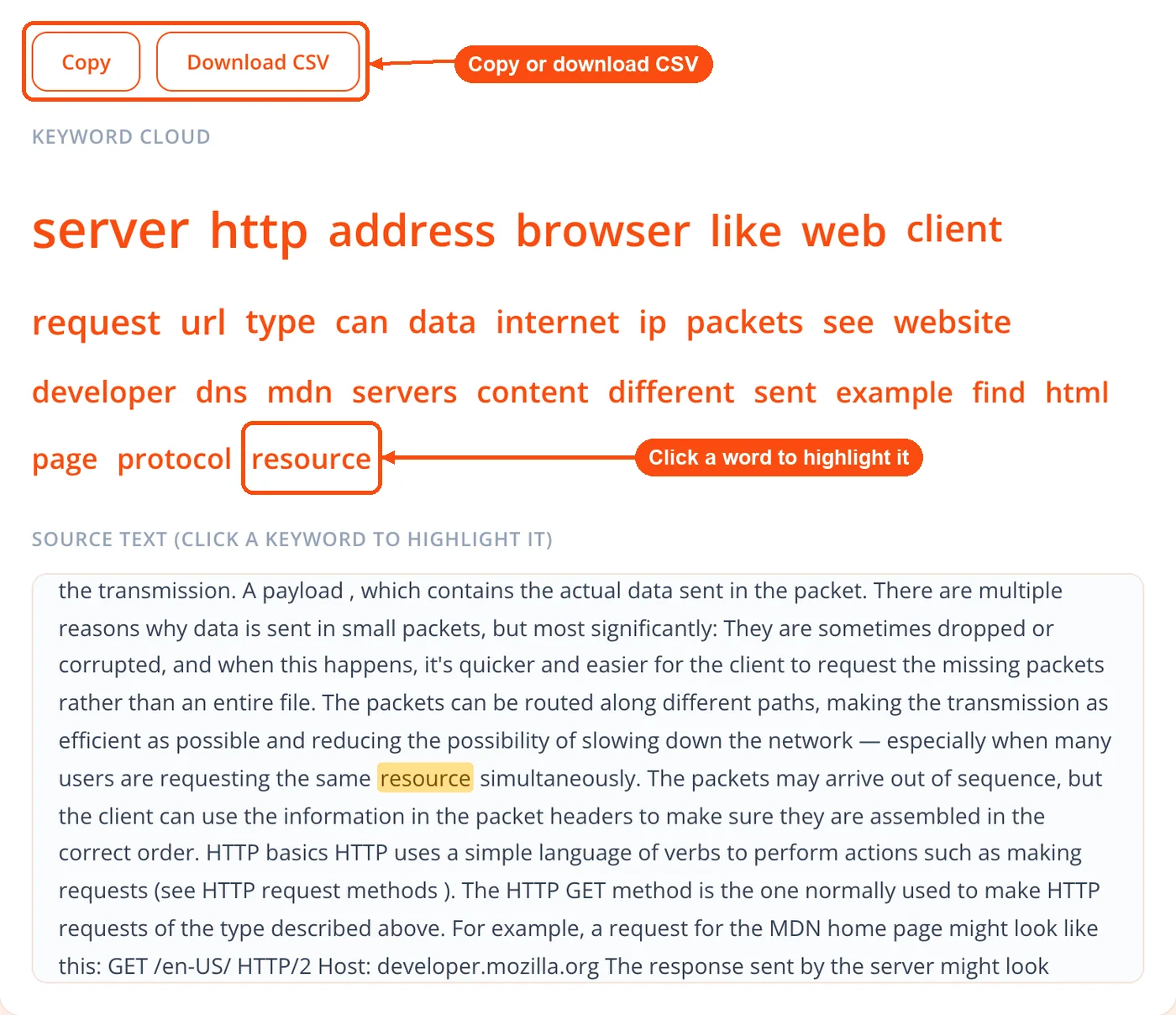
- Explore the results. Review totals, open the keyword cloud, click any keyword to highlight it in the source text, see placement flags for URLs, and export to CSV or copy the table.
The whole pass takes a few seconds. Because you can run back-to-back checks, scanning your own draft and then a competitor URL for side-by-side comparison is quick.
What the Keyword Density Analyzer Counts
- Two to five-word phrases: Real phrase tables, not single words alone, because most search queries are three or more words long and phrase repetition is where stuffing usually hides.
- Density per phrase: Each phrase shows its raw count and its density, calculated as phrase count divided by total words times 100.
- Over-optimization band: The Natural, Watch, or High signal on every phrase so you can scan the table at a glance.
- Stop-word filtering in seven languages: English, Spanish, Portuguese, French, German, Italian, and Russian, toggleable so you can include or exclude common words as needed.
- Exclude words: Add your own brand name, boilerplate, or any term you want removed from every phrase table.
- Title and meta inclusion: For a URL, fold the page title and meta tags into the analysis, or leave them out, so the numbers match what you want to measure.
- Placement flags: For a URL, see whether a term appears in the title, the first H1, and the meta description.
- Core stats: Total words, unique words, character count, and keyword count in one view.
- Keyword cloud and highlighting: A visual cloud plus click-to-highlight that jumps to every instance of a term in the source text.
- Export: Download the full table as CSV or copy it for a report.
Text Mode Versus URL Mode
The two input modes run the same keyword density analysis at two different moments in a workflow, and they behave differently on purpose. Understanding the split helps you pick the right one and trust the numbers you get back.
Text mode is for content that is not live yet. It runs entirely in your browser, so a draft you paste in is never transmitted to any server. That makes it safe for unpublished articles, client deliverables, and anything under NDA. Most competing checkers process pasted text on their servers, so this browser-only handling is one of the few things that sets ToolsPivot apart in practice. Run your copy through a grammar checker and a readability checker in the same editing pass, then check density last, before anything ships.
URL mode is for pages already published. The server fetches the page, extracts the main content, and reads only the body. This is the fix for the oldest complaint about density tools: counts that include the menu, the footer, and the sidebar. By stripping page chrome before counting, the tool reports numbers that reflect your actual article rather than your template. That clean extraction also makes competitor analysis honest, since you are comparing real content against real content. Pair the density read with the website SEO checker when you want a full on-page picture rather than one metric.
Who Uses a Density Check
Content teams and SEOs reach for an SEO keyword density checker at specific moments, usually right before publishing or during an audit. The tool fits naturally into editing, competitor research, and content refresh work.
- Freelance writers hitting a brief: Many briefs still specify a target term and a rough range. Pasting a draft in before submission cuts revision rounds, and the exclude-words field keeps client boilerplate from skewing the table.
- SEO agencies auditing at scale: When you manage dozens of client pages, you cannot count keywords by hand. Pull each page by URL, flag anything in the High band, and build a revision list fast. Confirm which of those terms actually rank with the keyword rank checker.
- Ecommerce managers writing short copy: Product descriptions are short, so every repeat hits density hard. A 200-word description mentioning "running shoes" five times already sits near 2.5 percent. Checking before a bulk publish on Shopify or WooCommerce prevents accidental stuffing across a whole catalog.
- Bloggers refreshing old posts: Articles written years ago under a heavier keyword approach can look stuffed by current standards. Run the old URL, trim the terms that cluster, add related phrases, and resubmit for a fresh crawl.
Turning a High Reading Into Better Copy
A High band is a prompt to edit, not a verdict. The fix is almost never to delete every instance of a word. It is to vary how you say things and to spread mentions across the page instead of packing them into one paragraph.
Start by reading the flagged passage. If the same exact phrase appears three times in two sentences, swap some instances for a synonym or a natural variation. An article rewriter or a paraphrasing tool can generate those alternatives quickly when you are stuck. Then check placement rather than raw count, because where a term sits matters more than how often it appears. One mention in the title, the H1, the first paragraph, and a couple of H2s signals relevance far more effectively than forty repetitions buried in body text. Use the meta tags analyzer to confirm your title and description carry the term without cramming.
Density and word count travel together, so keep a word counter tool handy when a brief sets both. And when you are deciding which terms are worth optimizing around in the first place, the keywords research tool and the keyword CPC calculator tell you whether a phrase carries enough search demand and commercial value to bother.
Honest Limitations
No density tool is a substitute for judgment, and this one has limits worth stating plainly. Being clear about them is part of using the results correctly.
- Space-separated languages only: Analysis is word-boundary based, so languages written without spaces, such as Chinese and Japanese, are not segmented into words. The stop-word lists cover seven space-separated languages.
- JavaScript-rendered pages: URL mode reads the HTML the server delivers, so a page built entirely with client-side JavaScript may return little text. When that happens, the tool warns you and suggests pasting the rendered text instead.
- The bands are a signal, not a rule: Natural, Watch, and High are sanity checks. Natural writing always comes first, and a term in the Watch band is not automatically a problem.
Read alongside those caveats, the checker does the one job it should do well: it shows you, honestly, how your content is weighted, so you can write for people and use the numbers only to catch mistakes. That is the whole point of keeping this ToolsPivot tool free, unlimited, and free of a fake ideal-percentage gauge.
Frequently Asked Questions
There is no ideal keyword density. Google has said for years that density is not a ranking factor, and studies find no consistent link between density and rankings. The 1 to 2 percent figure from older guides is a rough guardrail against overuse, not a target to hit.
No. Google's John Mueller has directly said keyword density is not a ranking signal. Keywords still need to appear so search engines understand your topic, but treat density as a check against stuffing rather than a lever for ranking.
Divide the number of times a term appears by the total word count, then multiply by 100. A 1,500-word article using "email marketing" 20 times has a density of 1.33 percent. This tool automates that across every two to five-word phrase for you.
It analyzes two, three, four, and five-word phrases. Phrase analysis matters because most search queries are three or more words long, and over-optimization usually shows up in a repeated phrase rather than a single word.
Yes. In text mode, your content is analyzed entirely in your browser and is never sent to any server or stored. URL mode fetches the page through the server to read its text, and nothing is retained.
No. In URL mode the extractor removes navigation, headers, footers, sidebars, forms, comments, and ads before counting. The density figures reflect your actual body content, not your template chrome.
Yes. Paste any public URL and you will see the same phrase-by-phrase breakdown you get for your own pages. Because the tool reads body content only, the comparison reflects real writing rather than shared template elements.
Read the passage and vary the wording, swapping some exact matches for synonyms or related phrases. Also check whether the term clusters in one section, and spread mentions across the page so the writing reads naturally.
Seven: English, Spanish, Portuguese, French, German, Italian, and Russian. Stop-word filtering is on by default and can be toggled off, and you can add your own words to exclude from every phrase table.
No. This online keyword density checker requires no account, no email, and no payment, and there are no daily scan limits. Paste a URL or text, run the analysis, and read your results immediately.
Density measures raw frequency on one page, while TF-IDF weighs how unusual a term is across many documents. TF-IDF adds context, but a plain density check catches the most common on-page problems faster.
No. Prioritize pages targeting competitive terms, pages that dropped in rankings, and anything about to publish. A quarterly pass over your top 20 to 30 pages catches most issues without scanning everything.


