Keyword Research Tool
This free keyword research tool finds what people are really typing. We pull live predictions from Google, YouTube, Bing, Yahoo, Amazon, Yandex and Naver, expand your seed across the alphabet and question words, then group everything by intent so you get a content plan instead of a wall of text.
About Keyword Research Tool
The Keyword Research Tool is a free keyword discovery tool that pulls live autocomplete predictions from seven search engines, expands your seed term across the alphabet and a set of question, preposition and comparison modifiers, then labels every result by search intent before you see it. One seed usually returns 700 or more real predicted queries. ToolsPivot rebuilt it for writers and SEOs who want a content plan rather than a spreadsheet of numbers nobody can verify. It shows no search volume at all, and that decision is deliberate.
What the Keyword Research Tool Does
The tool turns one seed phrase into a structured, sorted keyword set drawn from live search predictions. You type a term, pick a country and language, choose your engines, and the tool queries Google, YouTube, Bing, Yahoo, Amazon, Yandex and Naver at the same time. Google additionally receives the full expansion: 26 alphabet queries, 14 question words, 8 prepositions and 8 comparison terms.
Every phrase that comes back is a real prediction those engines are serving right now, not a modeled estimate. Duplicates across engines collapse into a single row that records which engines agreed. Each result then gets an intent label and one or more group tags, so what lands on screen is already sorted into questions, comparisons and buyer-intent phrases.
Writers, SEO consultants, agency teams, YouTube creators and e-commerce sellers use it at the planning stage, before a single word gets written. The problem it solves is specific: autocomplete scraping is easy to find, but almost every free tool hands back an undifferentiated wall of phrases and leaves the sorting to you. Sorting 700 keywords by hand takes an afternoon. Here it happens before the results render.
Why This Tool Shows No Search Volume
No free data source provides accurate search volume, and the paid sources disagree with each other by as much as 8x on the same term. The same keyword can read 880,000 in Google Keyword Planner, 590,000 in Semrush and 100,000 in Ahrefs. Publishing one of those numbers as fact would give you false confidence in a figure that three well-funded companies cannot agree on.
So ToolsPivot shows structure instead. Autocomplete position is used only for ordering results, never presented as demand, because prediction rank reflects freshness and location as much as popularity. If you need volume figures, take the exported list to Google Keyword Planner and validate there. Discovery and validation are two separate jobs, and this tool does the first one.
There is a strategic argument here too. Semrush's tracking of more than 10 million keywords found that close to 60% of the keywords triggering Google AI Overviews get 100 or fewer monthly searches. Those phrases show as zero-volume in traditional tools and get filtered out of most keyword workflows before anyone reads them. A volume-free tool surfaces them by default. If AI search visibility is part of your plan, pair the output with a GEO audit to see how your existing pages are being read by generative engines.
Key Benefits
- Intent labels at no cost: Every phrase arrives tagged Informational, Commercial or Transactional, a filter most keyword platforms reserve for paying customers.
- No signup, generous daily allowance: It is a free online keyword research tool, so run 5 seeds or 50 in a session, up to 100 fresh searches a day. There is no account and no email gate.
- Results in about three seconds: Roughly 60 requests run in parallel at 12 concurrent, so a full expansion finishes in seconds rather than the minute a sequential fetch would need.
- Export that keeps its structure: The CSV carries intent, groups, source engines and word count, not a bare list of phrases you have to re-sort.
- Coverage past Google: Yahoo, Amazon and YouTube each contribute a majority of results that Google never returns for the same seed.
- Brief output for AI drafting: One button produces a grouped markdown brief formatted for pasting straight into a chat assistant.
- Country and language targeting: Predictions shift by market, and both selectors change whose autocomplete you are reading.
Core Features
- Seven-engine fan-out: Google, YouTube, Bing, Yahoo, Amazon, Yandex and Naver run in one pass, with per-engine selection if you want a narrower set.
- Full alphabet expansion: Google receives your seed paired with all 26 letters, surfacing completions you would never think to type.
- Question and preposition modifiers: 14 question words and 8 prepositions generate the phrasing that maps cleanly onto headings and FAQ blocks.
- Comparison expansion: 8 comparison terms pull "vs" and "versus" phrasing, which is where commercial intent tends to concentrate.
- Deep scan mode: Extends the full expansion to Bing as well, returning roughly 30% more keywords for about twice the wait.
- Intent classification: Published modifier dictionaries map buy, price and near me to Transactional; best, vs and review to Commercial; how, why and what to Informational.
- Overlapping group tags: A phrase can sit in more than one group, so questions with buyer intent are not forced into a single bucket.
- Near-duplicate flagging: A word-order and plural-insensitive signature marks phrases that are effectively the same query.
- Source attribution per row: Each keyword records every engine that predicted it, and agreement across engines is a useful confidence signal.
- Minimum word-count filter: Restrict results to 2, 3, 4 or 5+ word phrases to isolate the long tail.
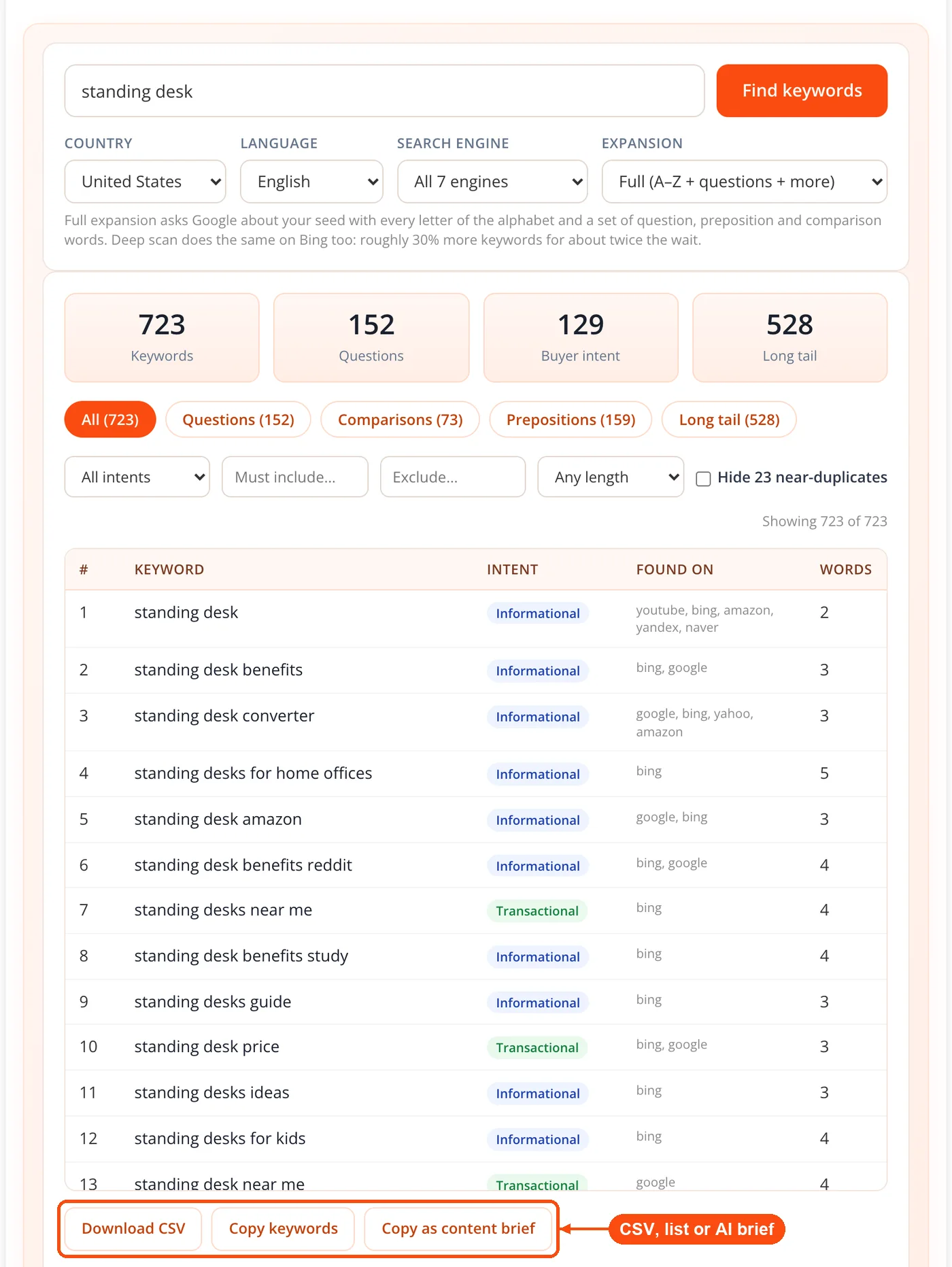
- Three export formats: Structured CSV, plain copyable list, or grouped markdown content brief.
- Six-hour result cache: Identical repeat searches return instantly, and empty results are never cached.
How to Use Keyword Research Tool: Seed to Export in Six Steps
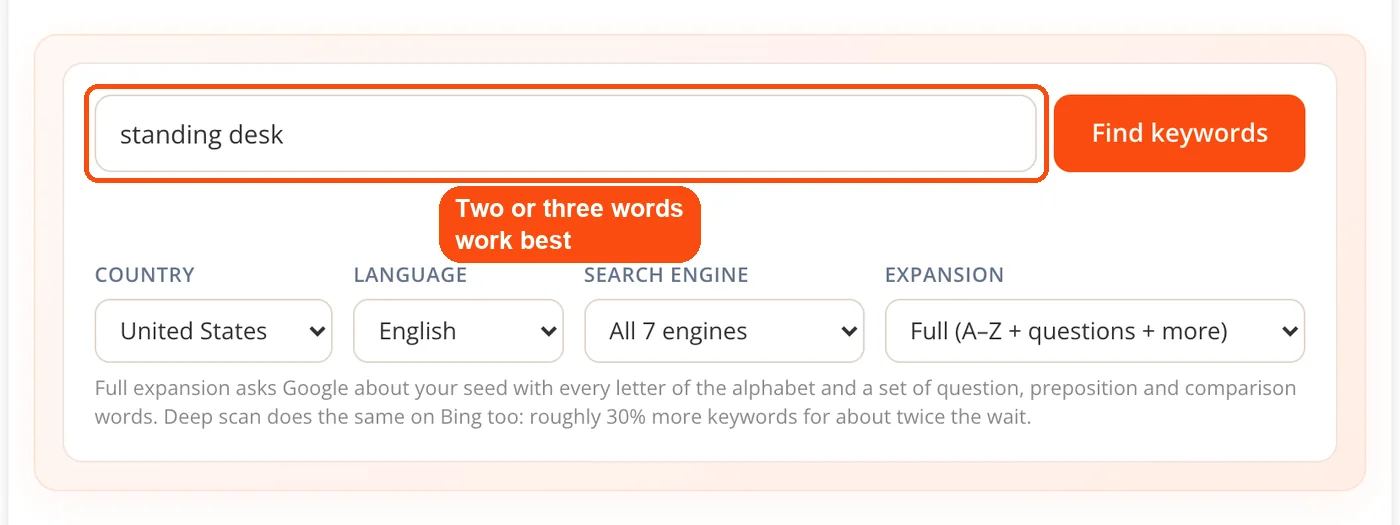
- Enter your seed. Type a broad term that describes your topic or product. Two or three words works better than a full sentence.
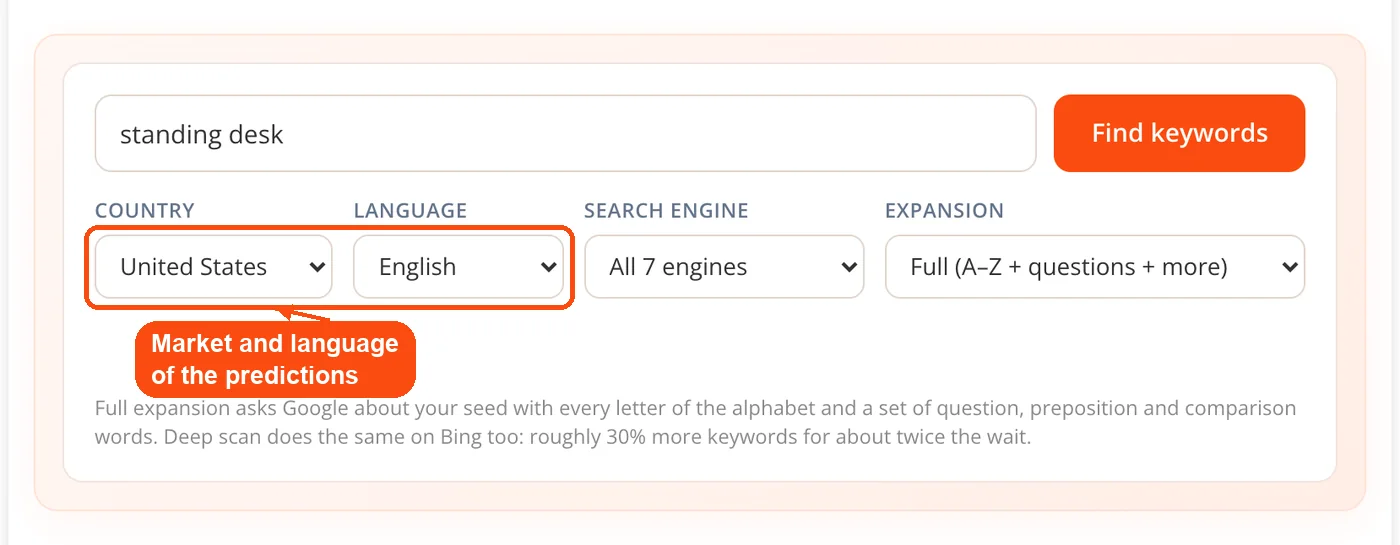
- Set country and language. These bias which market's predictions you receive. Note that the language setting does not translate your seed.
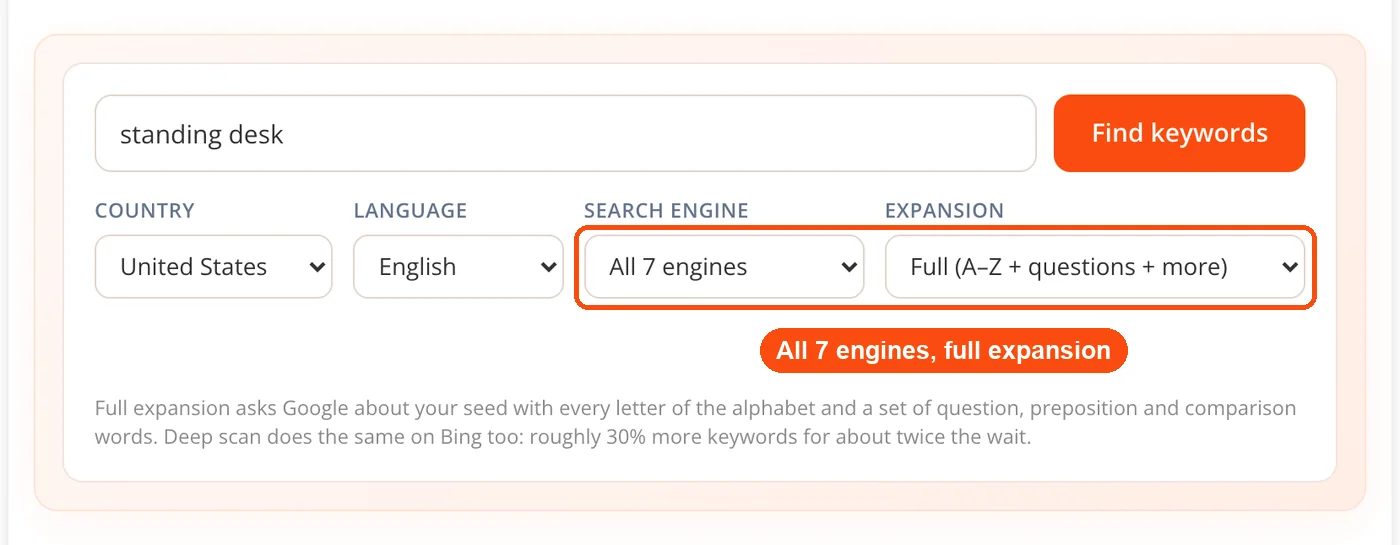
- Choose engines and expansion depth. All seven engines with full expansion is the default. Switch to questions only or comparisons only when you already know the shape you want.
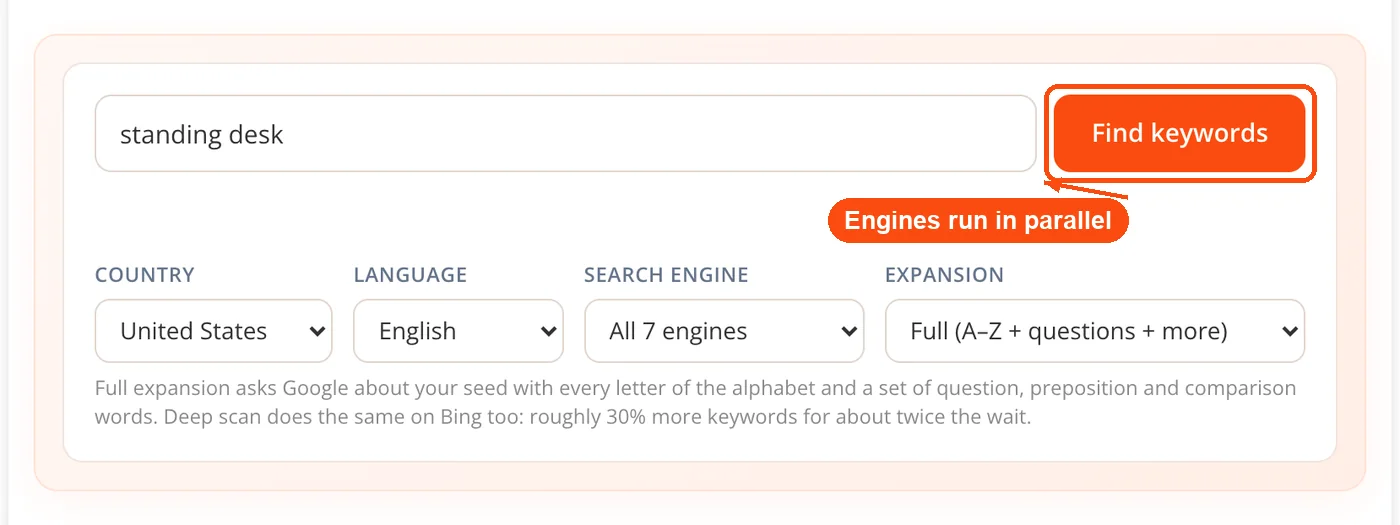
- Run the search. Requests fire in parallel and results merge, deduplicate and sort by prediction rank, then by how many engines agreed.
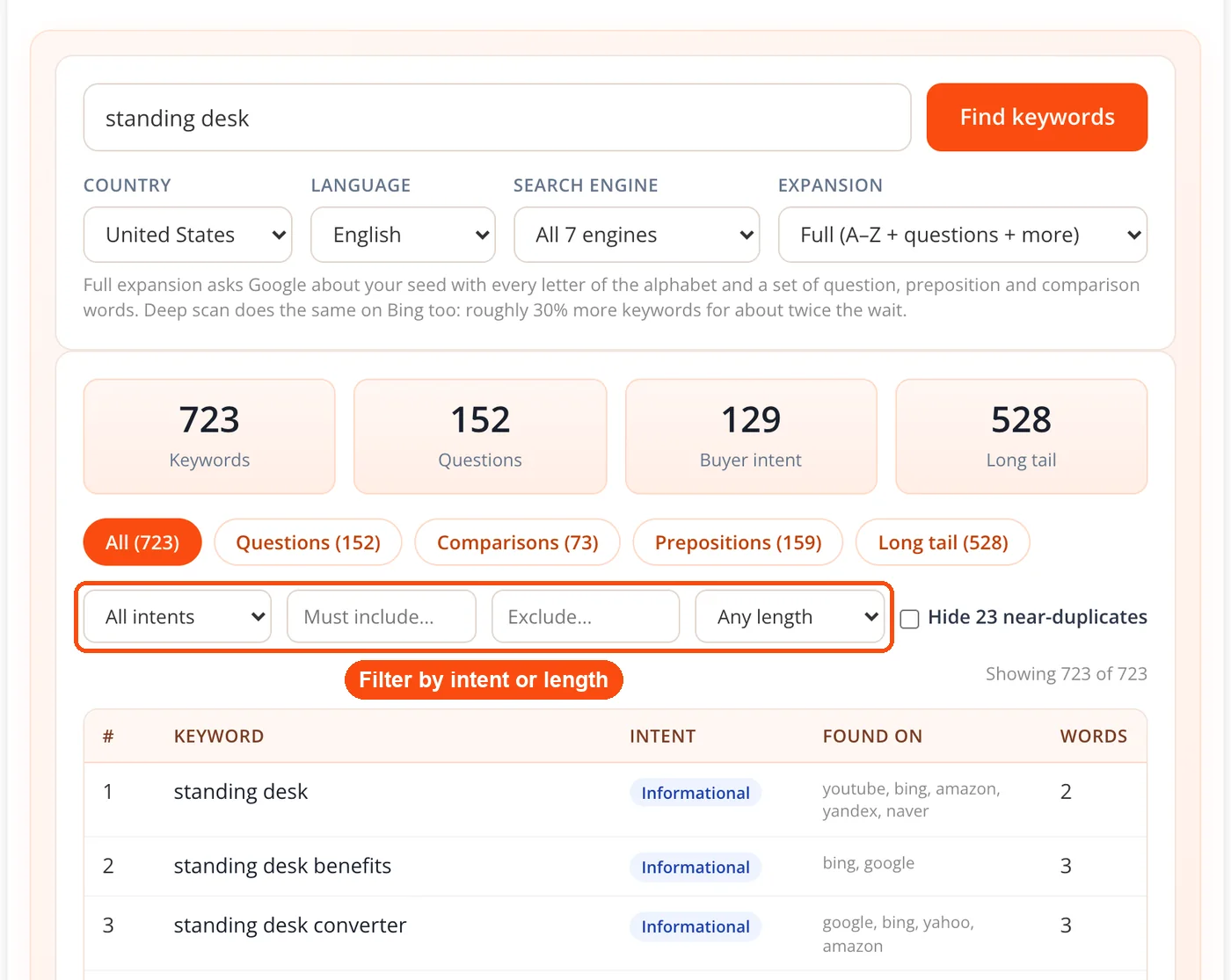
- Filter by intent, group or word count. Use the stat tiles and filters to isolate the subset you actually plan to write against.
- Export. Take the structured CSV for your own sheet, or the grouped markdown brief if you are drafting with an AI assistant.
Which Engines to Use and When
Each engine reflects a different search behavior, and picking the right ones sharpens your results more than running everything by default. The uniqueness figures below describe how much of each engine's output does not also appear in Google's for the same seed.
| Engine | What it contributes |
|---|---|
| The reference set, and the only engine exposing a prediction rank score | |
| Yahoo | Roughly 71% unique, running a separate suggestion index despite the Bing association |
| Amazon | Roughly 64% unique, weighted heavily toward product and purchase phrasing |
| YouTube | Roughly 61% unique, reflecting how people phrase things when they want video |
| Bing | Roughly 25% unique, and the engine that carries deep scan |
| Yandex | 6 to 7 additional phrases per Russian-language seed |
| Naver | 7 to 9 additional phrases per Korean-language seed |
The practical takeaway is that Yahoo earns its place despite being the engine everyone forgets. If you are writing product copy or doing Amazon keyword research, Amazon predictions are worth more than the other six combined. If you are scripting video, it doubles as a YouTube keyword research tool: YouTube phrasing differs enough from Google that checking both is worth the extra seconds, and you can pull competing video tags with the YouTube tag extractor to cross-reference.
When to Use the Keyword Research Tool
Use it as an SEO keyword research tool at the start of a content cycle, when you need topic coverage rather than a ranking forecast. It is strongest when you know your subject area but not yet the specific angles worth writing about.
- Planning a content calendar: One seed with full expansion produces enough distinct angles to fill a quarter of publishing.
- Building topic clusters: Group tags give you the cluster structure directly, which you can refine in the keyword cluster tool.
- Writing FAQ and schema blocks: Question-word expansion returns the exact phrasing people type, and the questions explorer goes deeper on interrogative queries.
- Optimizing product listings: Run with Amazon selected alone, it is a keyword research tool Amazon sellers can use, since Amazon predictions map onto titles, bullets and backend search terms.
- Scoping a new client: Three or four seeds give you a defensible topic map in minutes rather than an afternoon.
- Finding comparison angles: Comparison expansion exposes which alternatives your audience weighs against each other.
- Briefing an AI assistant: The markdown brief export gives a drafting tool real query data instead of invented topics.
It is the wrong tool for two jobs. If you need to decide between two keywords on commercial value, you need volume and CPC data from elsewhere, and the keyword CPC calculator covers the ad-cost side. If you want modifier-by-modifier control over how a seed expands, with prefix and suffix placement, the long tail keyword generator is built for that specific job.
Real Workflows
Freelance writer scoping an unfamiliar niche
Context: A writer takes a personal finance client and has three days to deliver a content plan.
- Runs "budgeting" with full expansion across all engines
- Filters to Informational intent and 4+ word phrases
- Exports the grouped markdown brief
Result: A structured topic map built from real predictions rather than guesses about what the audience wants.
E-commerce seller rewriting a listing
Context: A product gets impressions but almost no clicks, suggesting a phrasing mismatch.
- Runs the product category with Amazon selected alone
- Filters to Transactional intent
- Compares predicted phrasing against the current listing title
Result: A shortlist of buyer phrasing to test in the title and backend fields.
Agency building a client topic map
Context: An agency has one onboarding call to demonstrate they understand a new client's market.
- Runs four seed terms covering the client's service lines
- Uses group tags to assign each cluster to a target page
- Cross-references against a website SEO check of the live site
Result: A page-by-page keyword assignment showing which clusters the site already covers and which are open.
YouTube creator planning a series
Context: A creator wants six video topics that match how viewers actually search.
- Runs the channel topic with YouTube and Google selected
- Compares the two prediction sets for phrasing differences
- Picks titles from YouTube-only phrases
Result: Titles matched to platform search behavior rather than borrowed from Google phrasing.
Reading the Intent Labels
Intent labels tell you what kind of page to build, which is the decision that determines whether a keyword can convert at all. Getting this wrong is the most common reason a well-written article never ranks: an explainer aimed at a Transactional query loses every time to a product page, no matter how good the writing.
Informational phrases carry how, why, what and guide. They belong in blog posts and explainers, and they build topical depth. Commercial phrases carry best, vs, review and alternative. These signal someone comparing options, and they suit comparison pages and roundups. Transactional phrases carry buy, price, cheap and near me. They belong on product, pricing and service pages.
The classification runs on published modifier dictionaries, which makes it consistent and inspectable rather than a black box. It also means it reads the words in the phrase, not the live SERP, so treat an ambiguous label as a prompt to check the results page yourself. Once pages are published, track movement with the keyword rank checker and confirm you have not overused a target phrase with the keyword density checker.
Honest Limitations
Knowing where a tool stops is as useful as knowing what it does.
- No search volume, at all. This is a design decision, not a missing feature, but it means the tool cannot rank keywords by demand. Validate in Keyword Planner.
- The language selector does not translate. It biases whose predictions you receive. For German keywords, enter a German seed.
- Near-duplicates are flagged, not merged. Singular and plural forms frequently rank differently, so the choice stays with you.
- Naver needs Korean input. It returns nothing for non-Korean seeds, and Yandex is similarly thin outside Russian.
- Results cap at 2,000. Above that, the tool displays how many phrases were dropped rather than silently truncating.
- Prediction rank is not demand. Autocomplete position reflects freshness and location too, which is exactly why it is used for ordering and nothing more.
- Cached for six hours. An identical repeat search returns the previous result set rather than refetching.
Frequently Asked Questions
A keyword research tool shows the words and phrases people type into search engines around a topic, so you can plan pages around real queries instead of guesses. Some tools add licensed data such as search volume, difficulty and cost per click. This one works from live autocomplete predictions across seven engines and groups them by intent, without volume figures.
Yes, this one needs no account and no email. Each visitor gets 100 fresh searches a day, and repeating an identical search within six hours is served from cache without using one. Every ToolsPivot feature here, including CSV export, intent labels and the content brief output, is available at no cost.
Because no free source provides accurate volume and the paid ones disagree by up to 8x on identical terms. Showing structure you can trust is more useful than a number you cannot verify.
A single seed with full expansion typically returns 700 or more unique phrases. Results cap at 2,000, with a visible notice stating how many were dropped.
Google, YouTube, Bing, Yahoo, Amazon, Yandex and Naver. You can run all seven or select individual engines depending on the kind of phrasing you need.
AnswerThePublic limits free users to roughly three searches per day and requires an account. The ToolsPivot tool allows 100 fresh searches a day with no signup, and it labels intent on every row rather than only visualizing question types.
It depends on the job. Paid platforms such as Ahrefs and Semrush are the better choice when you need search volume, difficulty scores and competitor data to prioritize keywords. For finding how people actually phrase a topic, a free autocomplete tool like this one covers more engines than most, and Google Keyword Planner can supply volume ranges once you have a shortlist.
Deep scan runs the full expansion on every engine you pick, so in the keyword research tool, Bing gets the same alphabet and modifier queries as Google. It returns roughly 30% more keywords and takes about twice as long.
They are derived from published modifier dictionaries, so they are consistent and predictable. They read the wording of the phrase rather than the live results page, so verify anything ambiguous against an actual search.
Yes. Select YouTube as an engine and it becomes a keyword research tool for YouTube, pulling its autocomplete directly. Roughly 61% of YouTube predictions do not appear in Google's results for the same seed.
No. It changes which market's predictions Google returns, but your seed is sent exactly as typed. Enter a German seed to research German keywords.
A seed is the starting term you enter, and everything else is built from it. Broad two or three word phrases work best because they leave room for the expansion to find variations.
Yes, in three formats. Structured CSV keeps intent, groups, sources and word count intact, while the plain list and grouped markdown brief suit copying and AI drafting respectively.
Search engines treat them as separate queries and predict differently for each. The tool flags near-duplicates rather than merging them so you can see both and choose.
Yes, and low-volume phrases matter more than they used to. Close to 60% of keywords triggering AI Overviews get 100 or fewer monthly searches, and a llms.txt file plus clear on-page answers help those pages get cited.
Quarterly suits most topics, and monthly suits fast-moving ones like tech or fashion. Results cache for six hours, so an immediate repeat search returns the same set.
Assign one intent group per page, then write to the phrasing in that group rather than to a single exact-match term. Draft your metadata with the AI meta title generator and AI meta description generator, and check whether your site can realistically compete using the domain authority checker.


