What this tool does
Add Header and Footer puts a line of text at the top of every page, the bottom, or both. A document title, a client name, a case reference, a confidentiality line: whatever needs to appear on every page without being typed on every page.
How to Add a Header and Footer to a PDF
Five steps put the same line on every page you choose.
- Open your PDF. Every page appears as a thumbnail. The file is read in your browser and never uploaded.
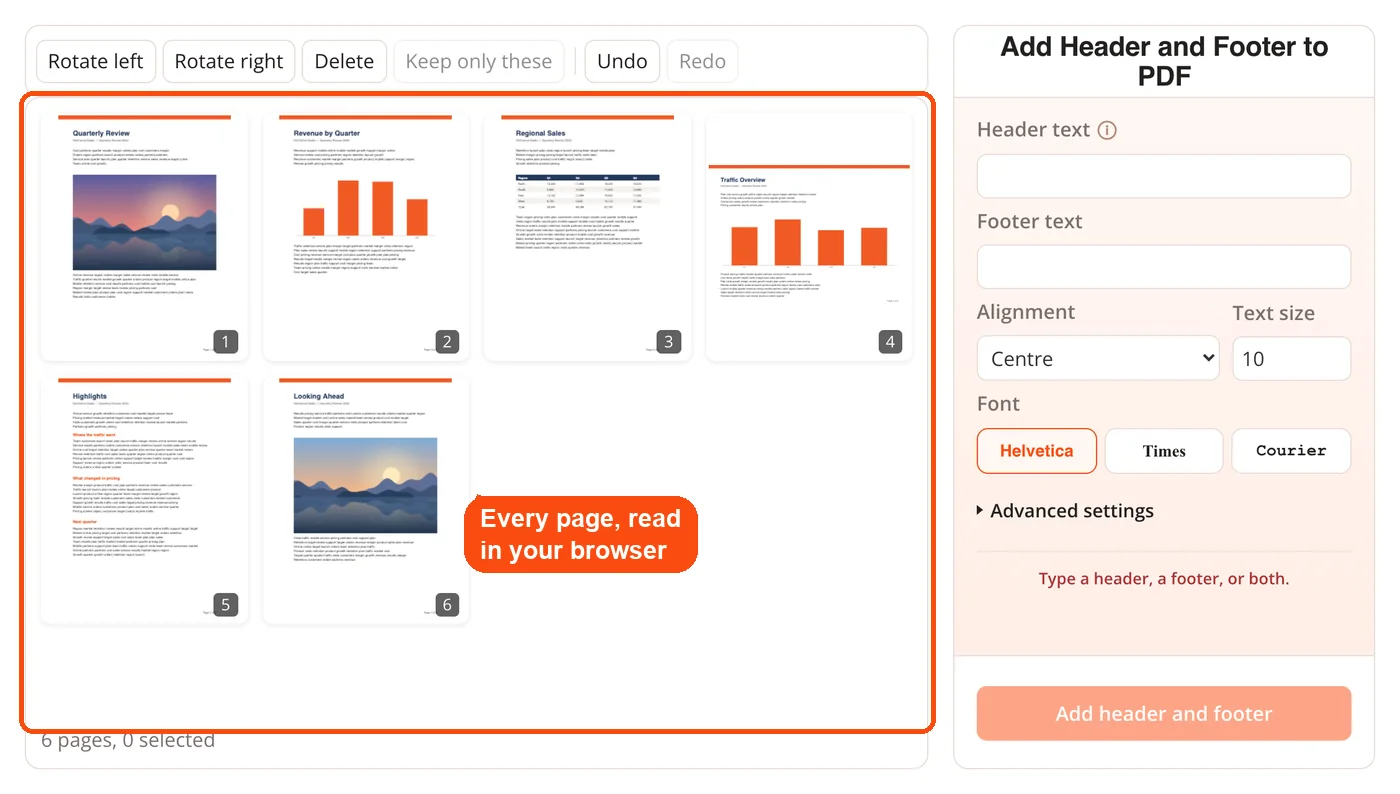
- Type the header, the footer, or both. Use {n} for the page number, {p} for the last page number and {file} for the file name, so "Page {n} of {p}" numbers every page. The thumbnails show the text as you type.
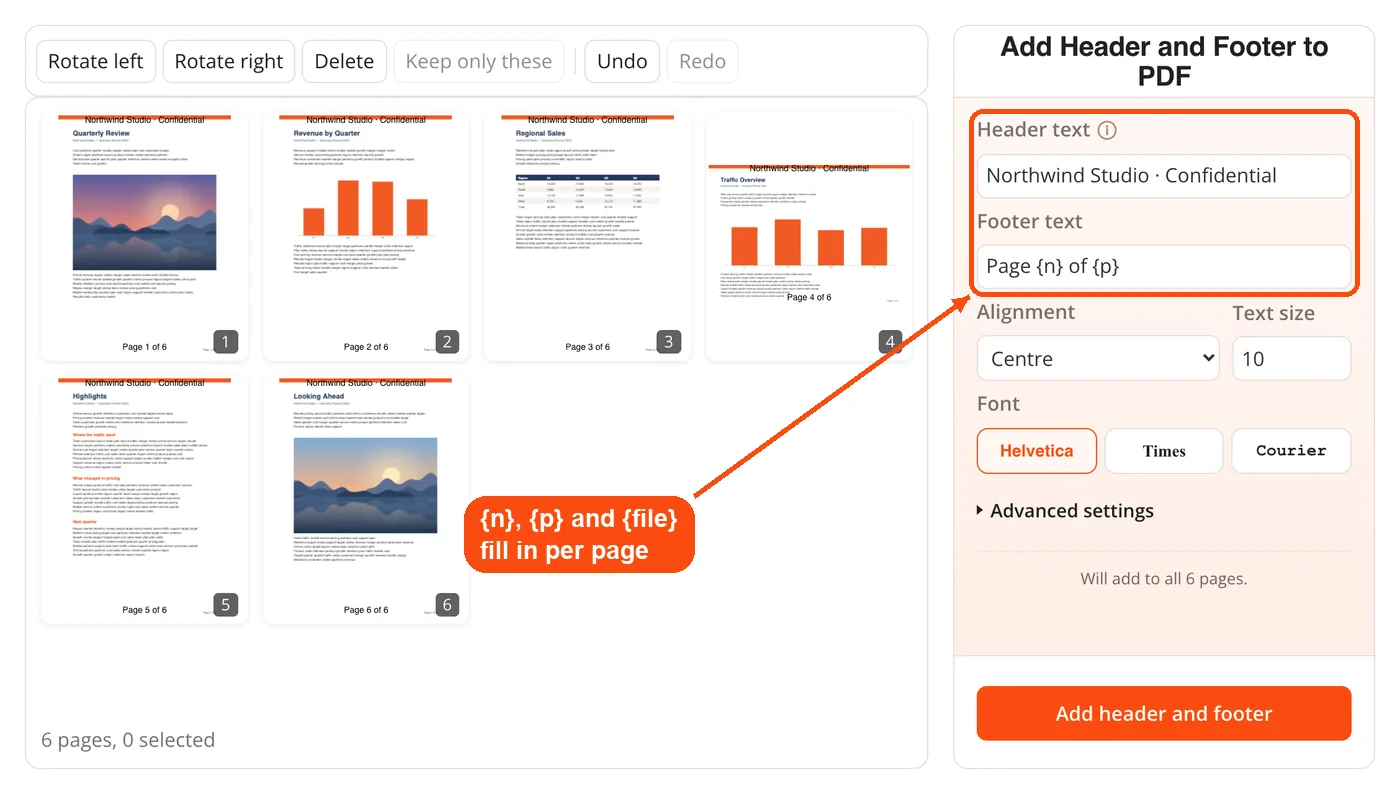
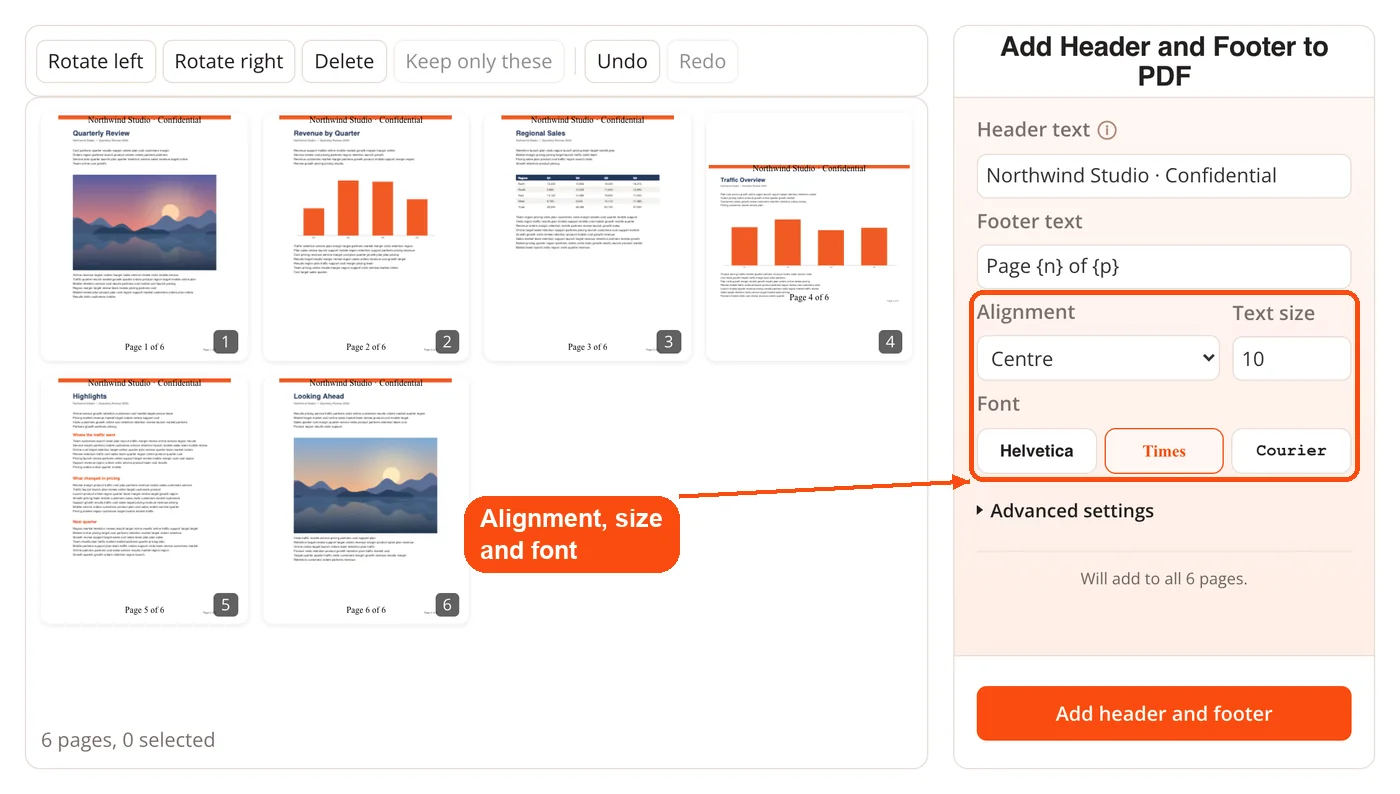
- Style the line. Choose left, centre or right alignment, the text size, and Helvetica, Times or Courier.
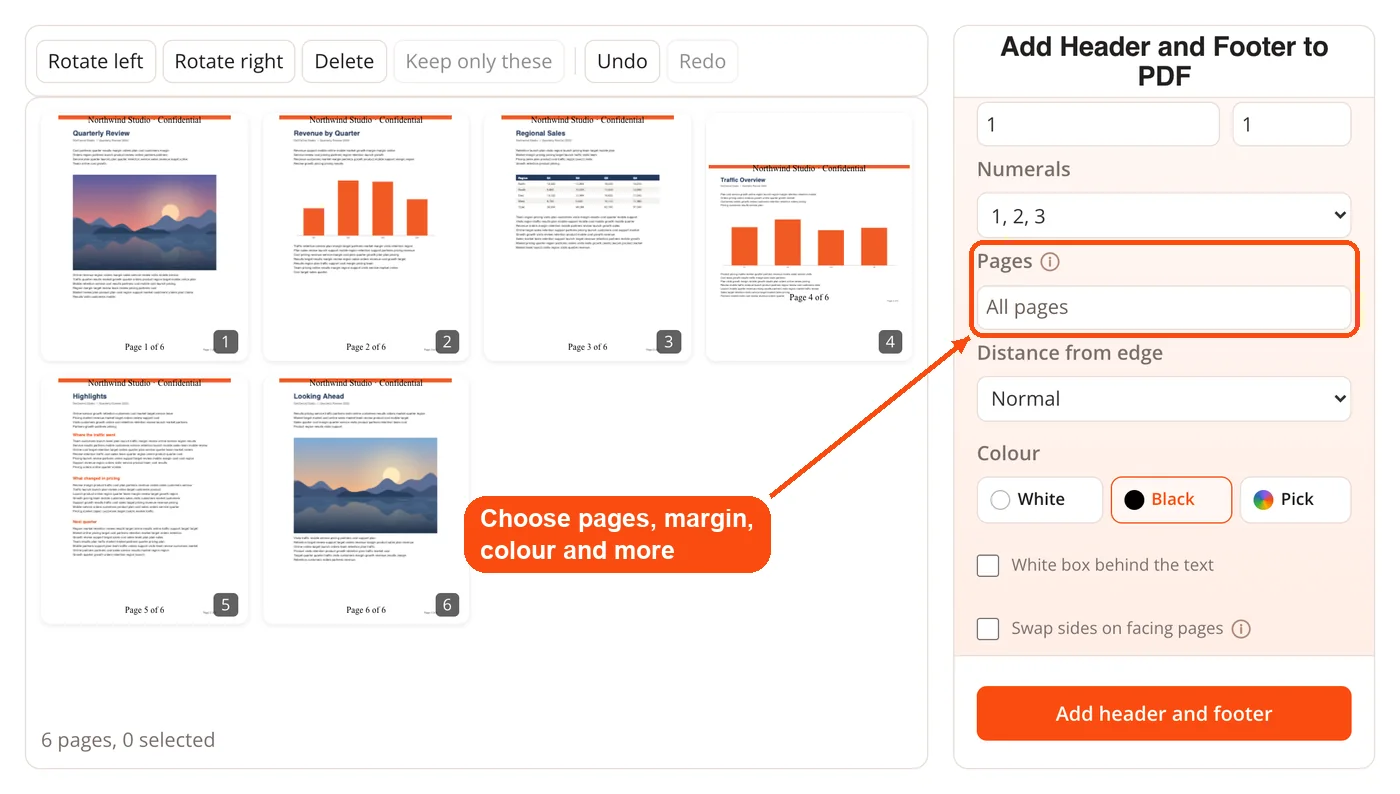
- Use Advanced settings if you need them. Choose which pages get the line, how the numbering starts, the numeral style, the distance from the edge and the colour, add a white box behind the text, or swap sides on facing pages.
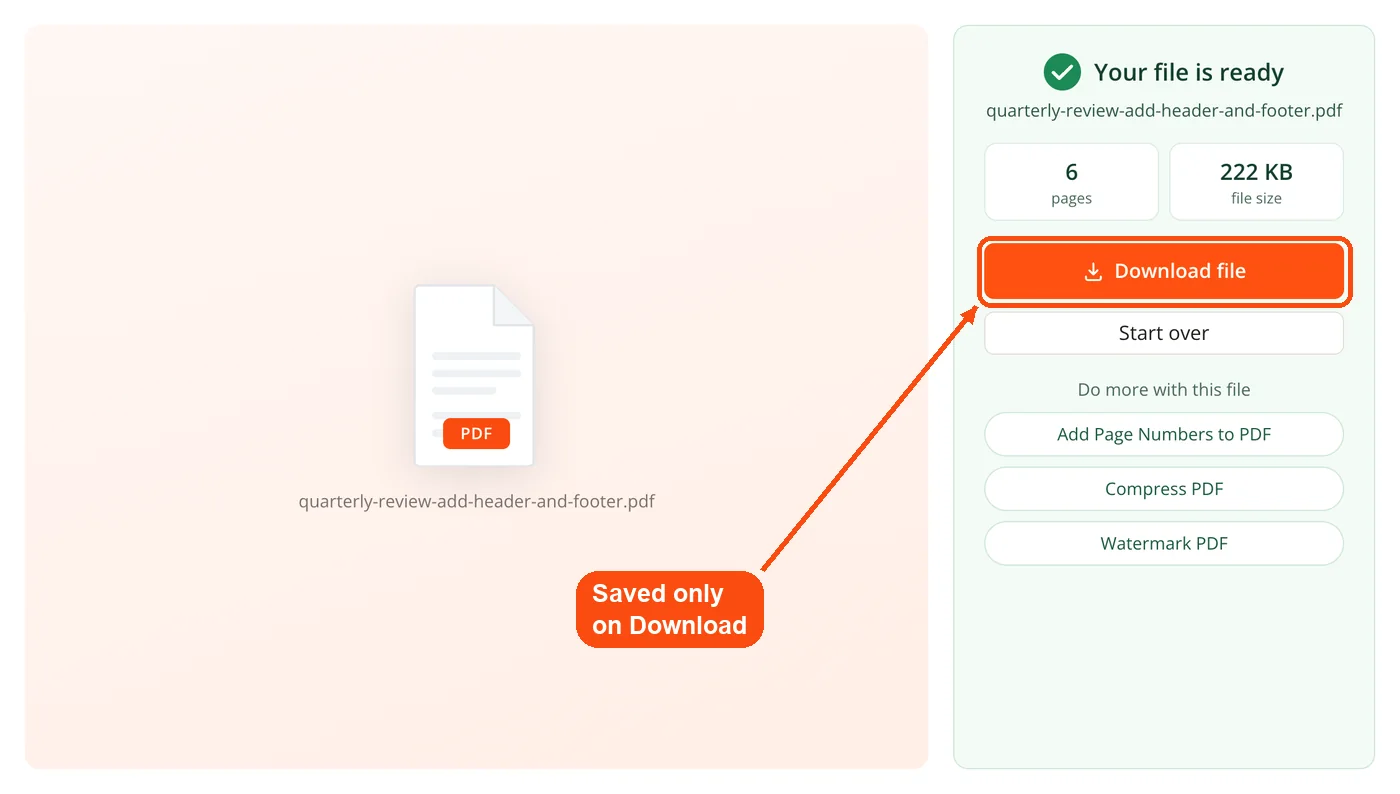
- Apply and download. Press Add header and footer. The result shows the page count and file size, and the PDF is saved only when you click Download.
How it works
The whole job runs inside your browser. Your header and footer are stored as settings and drawn once, at download, onto a new PDF written on your machine. Because nothing is painted onto the pages while you work, you can rewrite the line or change its alignment freely.
- Header, footer, or both
- Left, centre or right aligned
- Adjustable text size
- Applies to every page, including pages you add afterwards
Your files stay on your device
This tool is marked in your browser. Nothing is uploaded. Load the page, disconnect from the internet, and it still works, so a client document never leaves your machine.
Questions
Can I have a different header on each page?
Not yet. The same line appears on every page. For per-page numbering, use Add Page Numbers, which can run alongside this.
Can I use both a header and page numbers?
Yes. They are separate settings and both are drawn at download.
What if my page has no margin?
The line sits in the margin area. On a page whose content runs to the edge, the text may sit close to it. Reduce the text size or use the other end of the page.
Does it change the page size?
No. Pages keep their original size and orientation.
