AI Meta Title Generator
Get 10 SEO-optimized title variants with pixel-width analysis, CTR scoring, and a live Google SERP preview.
Your 10 Title Variants
| Title | Chars | Pixels | Keyword | CTR Score | Actions |
|---|
Click a title from the table above to preview
Your meta description will appear here — generate one with our AI Meta Description Generator.
About AI Meta Title Generator
ToolsPivot's AI Meta Title Generator is a free SEO title generator that turns a keyword, page type, and tone into 10 SEO-ready title tags in under 30 seconds. Pick from five tones, set a target length, and get click-worthy titles without creating an account. Every title comes with its character count, pixel width, and a CTR score, so you can see which one fits Google's display before you copy it.
How to Use ToolsPivot's AI Meta Title Generator
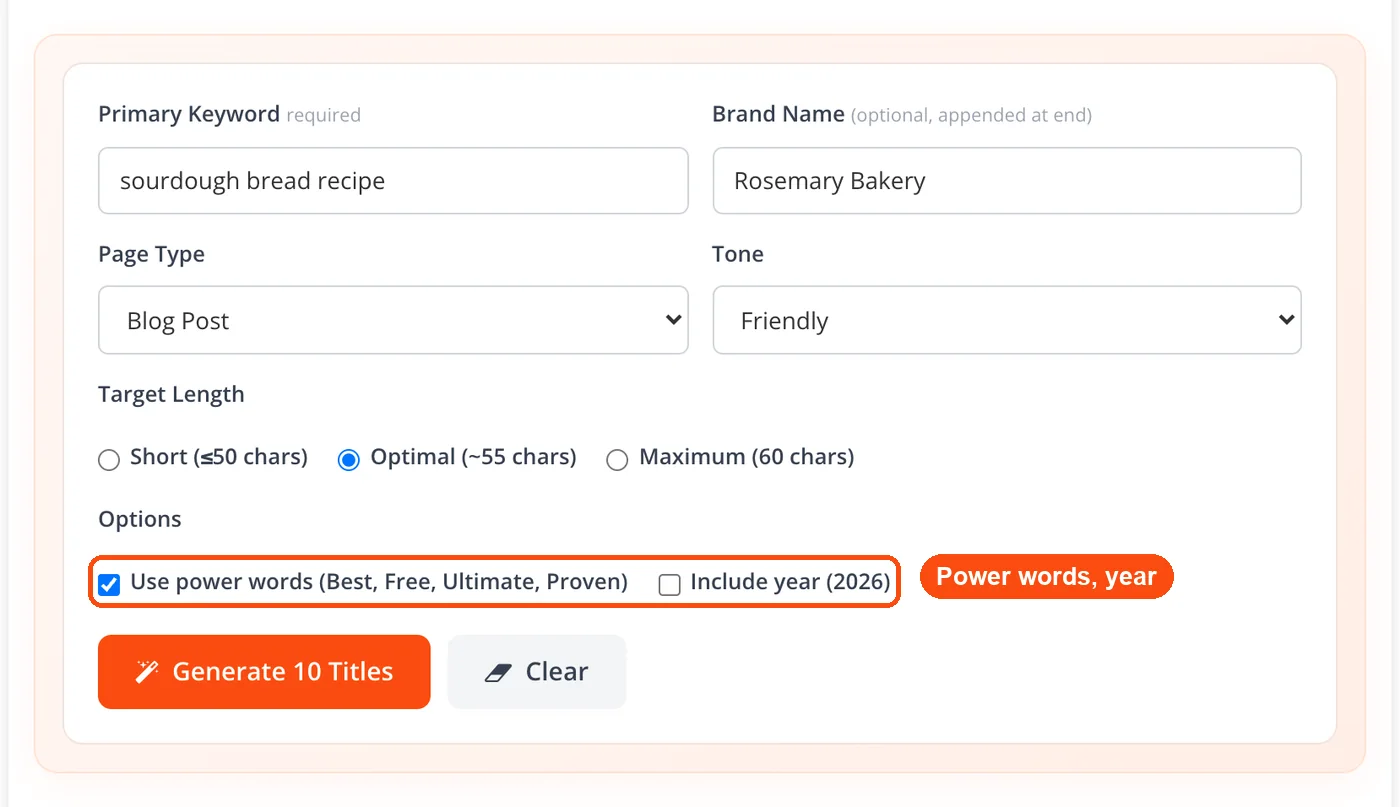
Enter your target keyword: Type the primary keyword or phrase you want to rank for into the "Primary Keyword" field. Be specific. "Vegan meal prep for beginners" works better than just "meal prep."
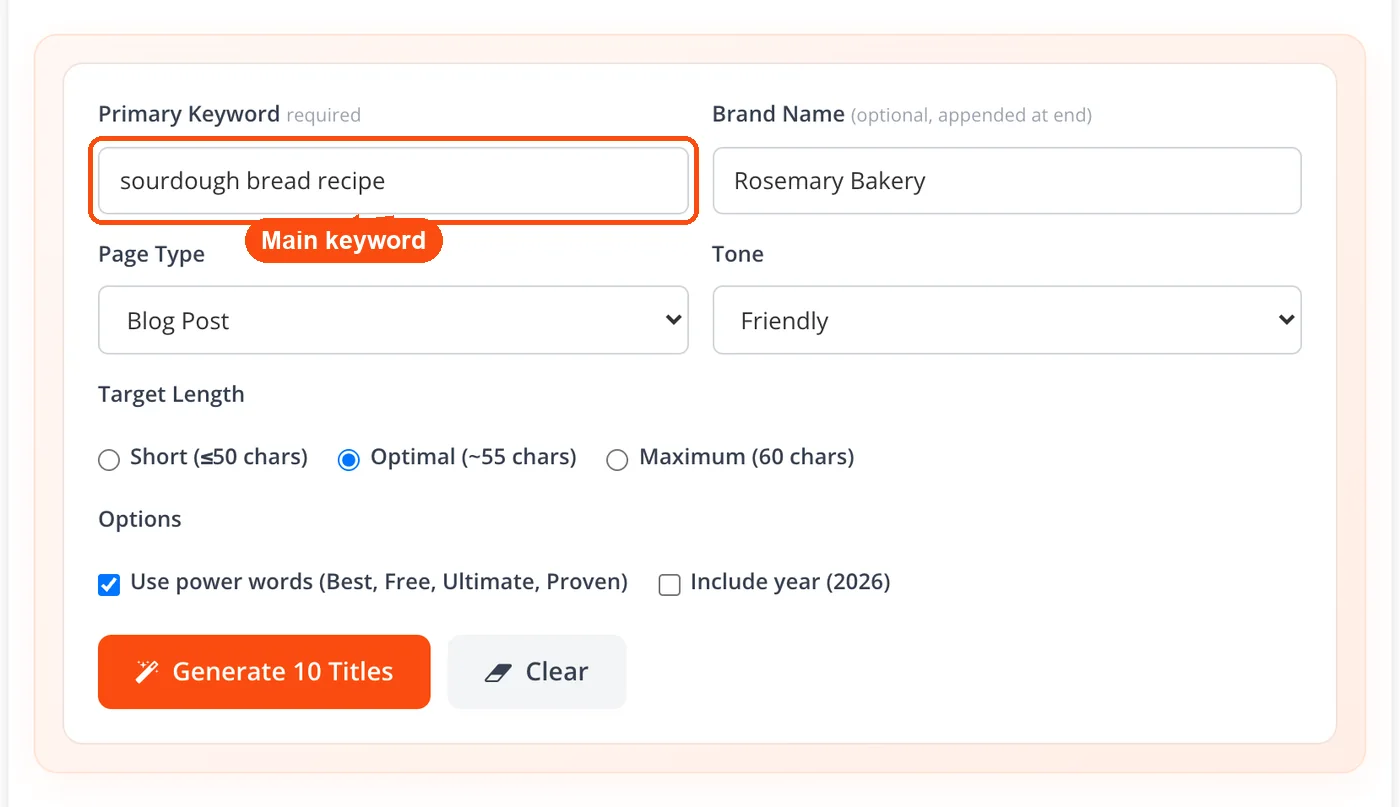
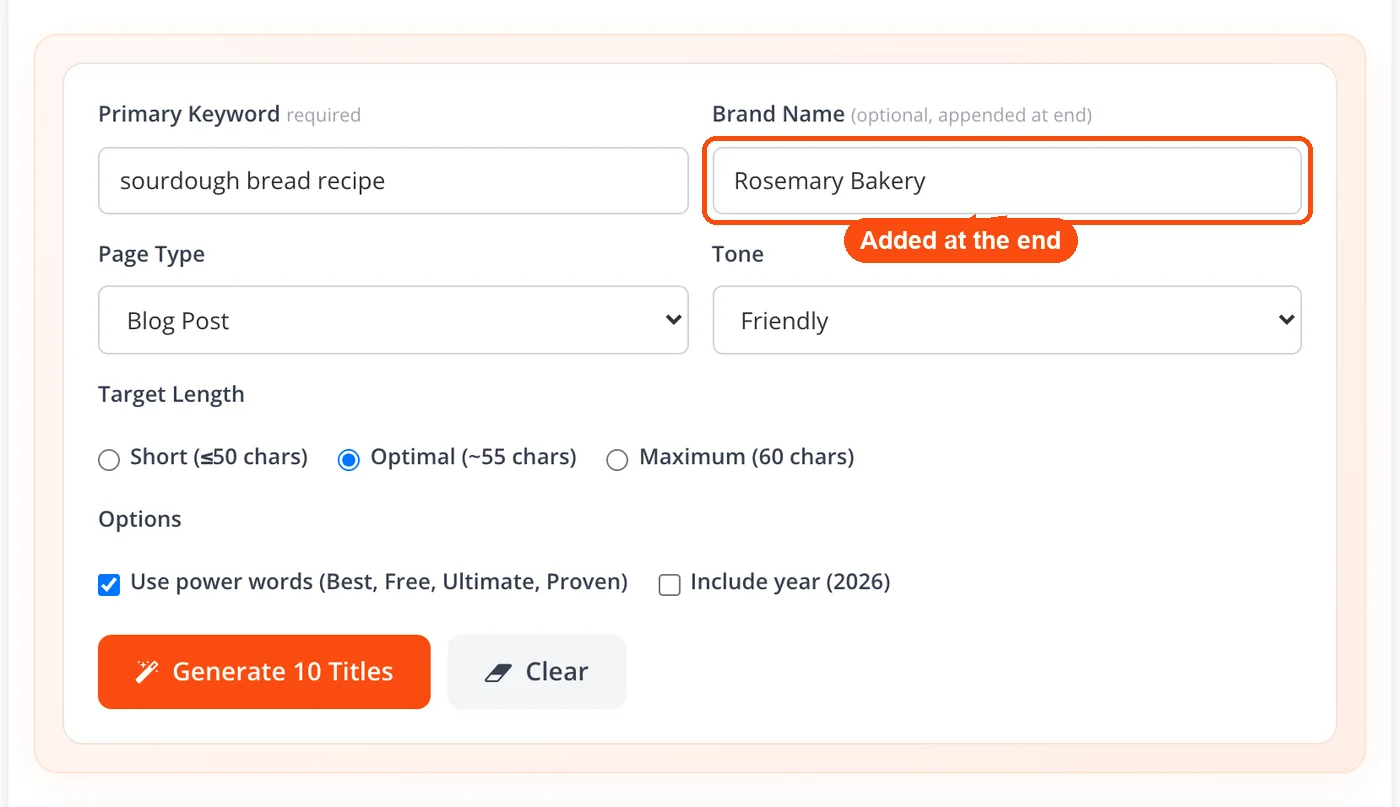
Add your brand name: Optionally type your brand into the "Brand Name" field. It is appended at the end of the titles, for example "| Rosemary Bakery".
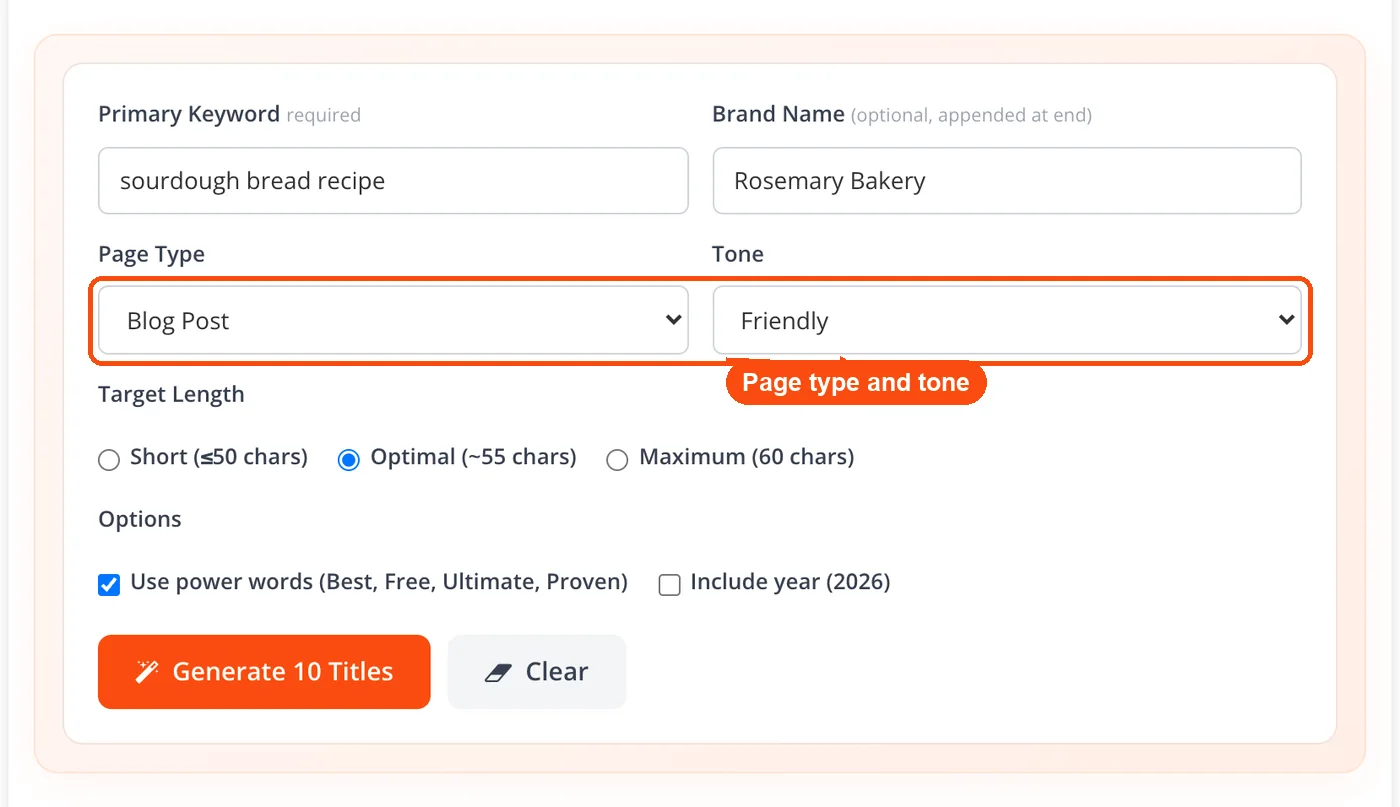
Pick your page type and tone: Choose the page type (Blog Post, Product Page, Category Page, Landing Page, Service Page, Homepage, or Tool Page) and a tone (Authoritative, Friendly, Curious, Bold, or Professional).
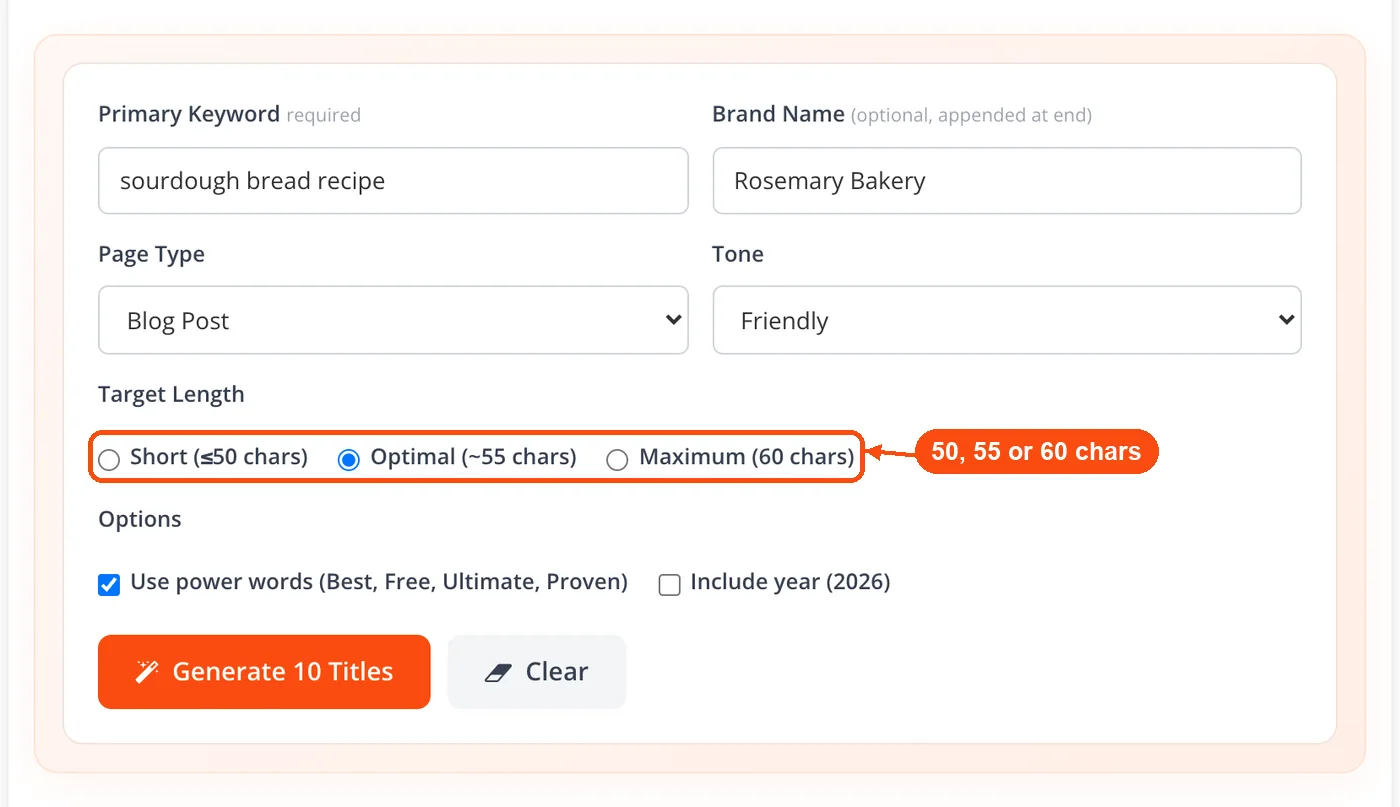
Set a target length: Choose Short (50 characters or less), Optimal (about 55), or Maximum (60). For Google's display limit, stay around 50 to 60 characters.
Choose your options: Tick "Use power words" to add words like Best, Free, Ultimate, or Proven, and tick "Include year" to add the current year to the titles.
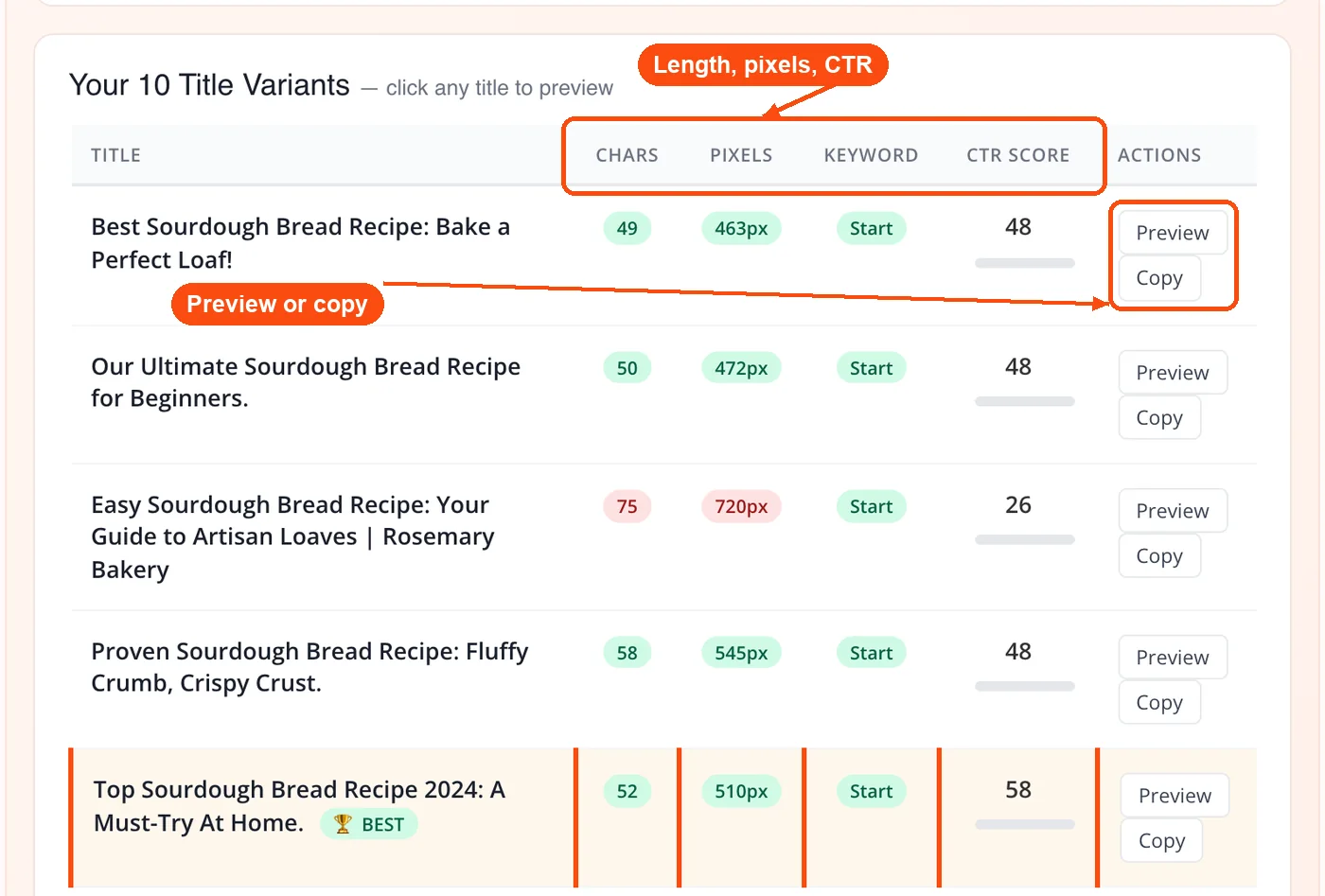
Generate and copy: Hit "Generate 10 Titles." Each title shows its character count, pixel width, keyword position, and a CTR score, and the strongest one is marked BEST. Click Preview to see it in the Google SERP preview, or Copy to grab it.
What This AI SEO Title Generator Does
Multi-title output: Each request produces 10 distinct title variations so you can compare angles, from question-based titles to benefit-driven ones, and pick what fits your content.
Five tone presets: Choose Authoritative, Friendly, Curious, Bold, or Professional. A product page and a blog post need very different energy, and this control gives you that.
Page type targeting: Selecting the page type (Blog Post, Product Page, Category Page, Landing Page, Service Page, Homepage, or Tool Page) adjusts the framing of each title to match what searchers expect from that kind of page.
Target length and pixel width: Choose Short (50 characters or less), Optimal (about 55), or Maximum (60). Google displays roughly 580 to 600 pixels of title text on desktop, which translates to about 50 to 60 characters for standard Latin text, so each title also shows its measured pixel width.
Power words and year: Tick "Use power words" to work in words like Best, Free, Ultimate, or Proven, and "Include year" to add the current year for fresh-content queries.
CTR score, preview, and copy: Every title gets a CTR score and the strongest is marked BEST. Click Preview to see it in the Google SERP preview, or Copy to put it on your clipboard, then generate again for a fresh batch. Used this way it works as an SEO title tag generator and checker in one.
Keyword placement awareness: Titles tend to front-load the target keyword where it matters most for both search engines and user attention. Google weights early-position keywords more heavily in title tags, and the generator reflects this.
Works alongside your SEO stack: Pair generated titles with ToolsPivot's AI meta description generator to complete your on-page metadata in one sitting. Or run titles through the meta tags analyzer to spot issues before publishing.
Benefits of ToolsPivot's AI Meta Title Generator
No sign-up, no paywall: Many competing generators (Grammarly, GravityWrite, Hypotenuse AI) require account creation before you see a result. ToolsPivot runs with zero registration and allows 30 free AI generations per day.
Fewer Google rewrites: Google rewrites roughly 60 to 70% of title tags it encounters, according to multiple industry studies. Titles that stay under 60 characters, include the target keyword early, and match page content get rewritten far less often. The target length setting and keyword-aware output help you avoid that.
Faster content workflows: Writing a good meta title manually takes 10 to 30 minutes per page if you're considering keyword placement, length, and click appeal. This tool cuts that to seconds. For teams publishing 20+ pages a month, the time savings add up fast.
Better click-through rates: Titles with power words, numbers, or brackets can earn 20 to 38% more clicks than plain alternatives. The tone presets and power-words option push the AI to include these elements naturally.
Consistent quality across large sites: E-commerce stores with hundreds of product and category pages often end up with inconsistent or duplicate titles. Running each page's keyword through this tool keeps quality even across the board.
Pairs with your full SEO workflow: Use titles alongside keyword research to validate your target terms, then check how your chosen title's keyword sits in the broader keyword cluster for topical authority.
Multiple angles from one input: Getting stuck on a single title angle is common. The multi-variation output forces you to consider different framings (how-to, listicle, benefit-first, question-based) you might not have tried otherwise.
What Separates a High-CTR Title from a Forgettable One
The average first-position Google result earns around a 27.6% click-through rate. Drop to position five and that falls below 10%. But a well-written title in position three can sometimes outperform a weak title sitting in position one. That's how much the title tag matters.
Three things separate titles that get clicks from titles that get ignored:
Keyword placement. Search engines and users both give more weight to words appearing at the start of a title. "Vegan Meal Prep: A Beginner's Guide" beats "A Beginner's Guide to Vegan Meal Prep" if "vegan meal prep" is your target phrase. ToolsPivot's generator front-loads keywords by default, which is one less thing to fix manually.
Length discipline. Google truncates titles that exceed roughly 600 pixels (about 60 characters). When your core message gets cut off, CTR drops. The word counter tool can double-check character and word counts if you edit the generated title afterward.
Emotional triggers. Titles containing words like "free," "proven," "easy," or specific numbers ("7 Ways," "Under $50") consistently outperform neutral titles. Brackets and parentheses also boost CTR, with some studies showing up to a 38% lift. The tone and power-words options in the generator help you lean into these triggers without sounding spammy.
Who Gets the Most from This Tool
Not every user needs the same thing from a title generator. Here's how different groups put it to work.
SEO professionals managing client portfolios
Agencies handling 10 to 50 client sites run into title tag issues constantly during audits. Pages with missing titles, duplicate titles, or titles exceeding character limits all hurt organic performance. Running each flagged page's keyword through the generator, combined with a website SEO checker audit, produces replacement titles in a fraction of the time manual writing takes. One agency-style workflow: export underperforming URLs from Google Search Console, identify low-CTR pages with high impressions, then batch-generate new title options.
E-commerce managers on Shopify or WooCommerce
A store with 300 product pages needs 300 unique titles. Most store owners default to the product name as the title, missing out on keyword and CTR opportunities. Set the page type to "Product Page" and the tone to "Bold" or "Friendly" for product pages. For category pages, switch the page type to "Category Page" and use the broad product keyword. Check keyword density across your category pages afterward to make sure you're not over-repeating the same terms.
Bloggers and freelance writers
The meta title doesn't have to match the on-page H1 exactly. A lot of bloggers don't realize this. Your H1 might be "My Favorite Weeknight Pasta Recipes," but your meta title could be "10 Easy Weeknight Pasta Recipes (Under 30 Minutes)" for stronger search performance. Generating both versions takes seconds. Pair the title with a readability check on your full article to make sure the content matches the promise the title makes.
Content teams doing website migrations
Rebranding or moving domains? Every page title might need updating to reflect a new brand name, URL structure, or keyword strategy. Generating new titles in bulk prevents the 60-to-90-day traffic dip that typically follows a poorly handled migration. Feed each page's target keyword into the generator, keep the character range tight, and implement through Yoast SEO, Rank Math, or your CMS's meta fields.
Common Questions About AI Meta Title Generators
Yes, it is a completely free SEO meta title generator with no account required. There are no hidden paywalls and no credit card prompts. You get 30 free AI generations per day (shared with the AI meta description and keyword cluster tools), each with 10 title variations to compare.
Google displays about 580 to 600 pixels of title text on desktop, which works out to roughly 50 to 60 characters for standard English text. Titles longer than 60 characters risk getting truncated with an ellipsis, hiding your core message from searchers.
Yes. The title tag is one of the strongest on-page ranking signals Google uses. It tells the search engine what the page is about and directly influences where the page appears for a given query. A well-written title with the keyword placed early can measurably improve rankings.
Google rewrites titles when they're too long, too short, keyword-stuffed, or don't match the page's actual content. Duplicate titles across multiple pages also trigger rewrites. Keeping titles between 50 and 60 characters, including one clear keyword, and making sure the title accurately reflects the page helps avoid this.
You shouldn't. Duplicate title tags confuse search engines about which page to rank for a query, and Google may rewrite one or both titles. Every page on your site should have a unique title. Run a quick site audit using the meta tag generator to create unique tags for each page.
Grammarly's tool requires a Grammarly account and is part of a larger paid platform. ToolsPivot offers five tone presets, seven page types, and a target length setting with no sign-up at all. Each of the 10 titles also comes with a pixel width, a CTR score, and a live Google preview.
Not necessarily. Google treats the title tag and H1 as separate elements. Your H1 can be more conversational or creative, while the meta title should be tighter and more keyword-focused for search results. Many SEO professionals write different versions for each. Use a long-tail keyword generator to find variations that work for one but not the other.
Review titles on high-traffic pages at least once a quarter. If Google Search Console shows a page with high impressions but low click-through rate (below 3 to 5%), the title is a likely culprit. Regenerate a new batch, A/B test the replacement, and monitor CTR changes over 2 to 4 weeks.
The generator is built for SEO meta titles (title tags for web pages). YouTube titles and social media headlines follow different rules around length and formatting. That said, the output can serve as a starting point for these platforms if you adjust for their character limits.
Match the tone to your content type and audience. Use "Professional" or "Authoritative" for B2B landing pages and technical guides. Pick "Friendly" or "Curious" for blogs and lifestyle content. "Bold" works well for product and sales pages. Try generating the same keyword with two different tones to compare the results.
The tool handles one keyword per generation cycle, and you can run it up to 30 times a day. For sites with hundreds of pages, pair this with a keyword rank checker to prioritize which pages need title updates first, then work through the list.
ToolsPivot notes that input and generated content may be stored for evaluation purposes. Don't enter sensitive or confidential information into the generator. For standard keyword and content topic inputs, this is no different from any other AI-powered writing tool's data practices.


